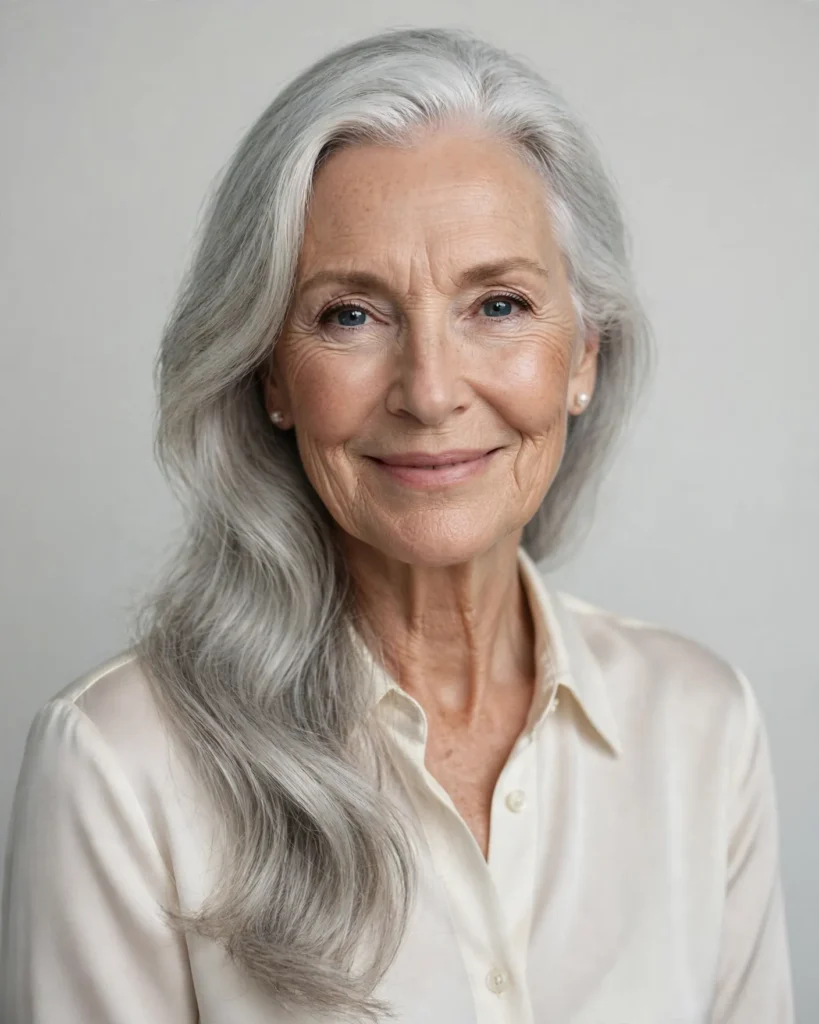
Looking for a copy-paste ready AI image prompt? Below is a complete, hand-crafted prompt for Silver-Haired Beauty Portrait Prompt: Elegant Elderly Woman, tuned for Midjourney. Just copy the prompt, paste it into Midjourney, and generate.
The Prompt
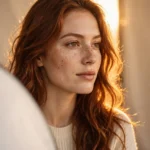
Elegant photorealistic beauty portrait of a woman in her late sixties with stunning long silver hair swept over one shoulder, luminous skin with graceful lines, wearing a simple ivory silk blouse and pearl studs. Soft diffused key light from a large octabox wraps her face gently, pale grey seamless background, delicate catchlights in her eyes, serene confident smile. Shot on a Hasselblad-style medium format look with a 100mm lens, shallow depth of field, refined neutral palette of ivory, silver and soft grey, exquisite hair detail strand by strand, timeless beauty photography, head-and-shoulders composition, ultra-detailed, 8k, sharp focus, dignified and radiant mood.
Copy the prompt above and paste it directly into Midjourney — no editing needed.
Recommended Settings

- Best tool: Midjourney
- Aspect ratio: 4:5
Negative Prompt
blurry, low quality, watermark, distorted face, plastic skin, deformed hands, harsh shadows, oversaturated, cartoon
Add the negative prompt above in Midjourney’s negative prompt field to avoid common artifacts.
How to Use This Prompt
- Copy — select the prompt text above and copy it.
- Paste into Midjourney — open Midjourney and paste the prompt into the prompt box.
- Set 4:5 — choose the 4:5 aspect ratio before generating.
- Generate and refine — run 2–3 variations and keep the best one.