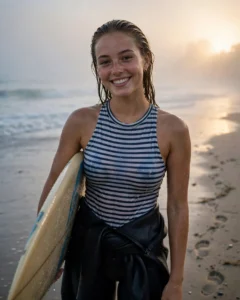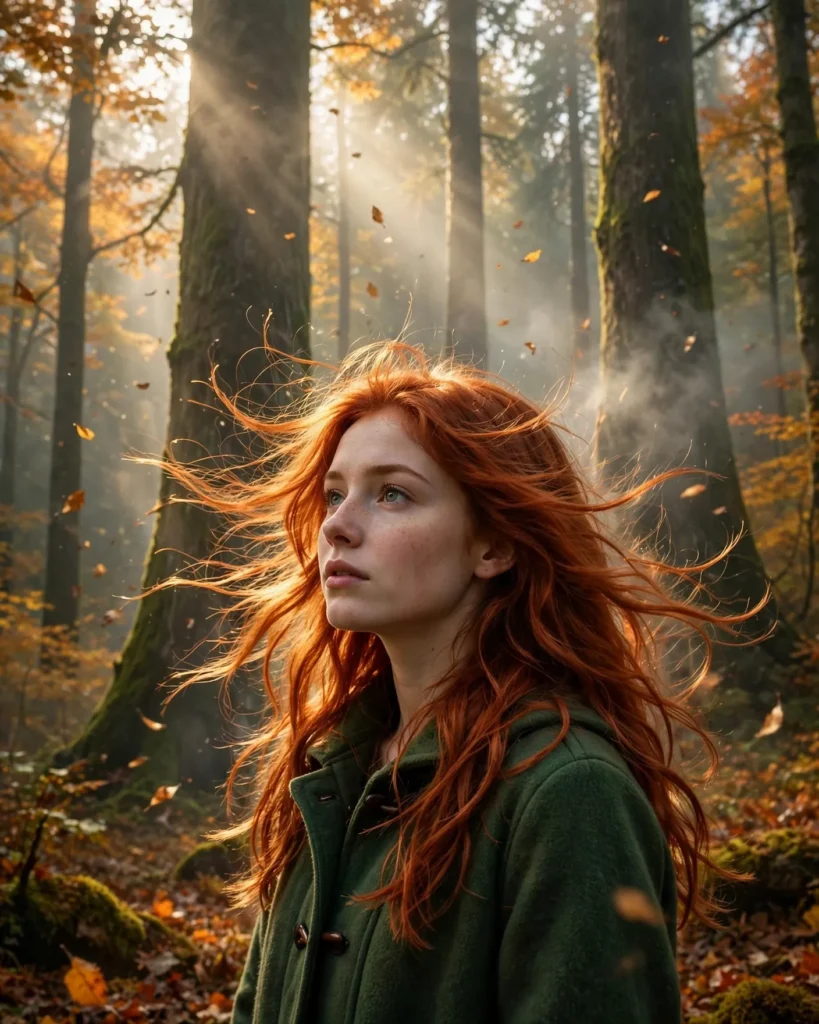
Looking for a copy-paste ready AI image prompt? Below is a complete, hand-crafted prompt for Autumn Forest Portrait Prompt: Redhead in Morning Fog, tuned for Flux. Just copy the prompt, paste it into Flux, and generate.
The Prompt
Enchanting photorealistic portrait of a young woman with vivid copper-red hair standing among towering autumn trees, thin morning fog curling between trunks, golden leaves drifting in the air. She wears a forest-green wool coat, hair lifting in a light breeze, gazing into the distance with a dreamy thoughtful expression. Soft diffused sunlight filters through the canopy creating gentle god rays. Shot on a Canon EOS R5 with a 70-200mm f/2.8 lens at 135mm, shallow depth of field, rich palette of copper, amber, moss green and misty grey, detailed hair strands glowing at the edges, ethereal woodland mood, environmental portrait composition, ultra-detailed, 8k, sharp focus, fine-art nature portrait photography.
Copy the prompt above and paste it directly into Flux — no editing needed.
Recommended Settings


- Best tool: Flux
- Aspect ratio: 4:5
Negative Prompt
blurry, low quality, watermark, distorted face, deformed hands, extra fingers, oversaturated, cartoon, text
Add the negative prompt above in Flux’s negative prompt field to avoid common artifacts.
How to Use This Prompt

- Copy — select the prompt text above and copy it.
- Paste into Flux — open Flux and paste the prompt into the prompt box.
- Set 4:5 — choose the 4:5 aspect ratio before generating.
- Generate and refine — run 2–3 variations and keep the best one.