Looking for a copy-paste ready AI image prompt? Below is a complete, hand-crafted prompt for Opera Singer Portrait Prompt: Dramatic Stage Power, tuned for Stable Diffusion XL. Just copy the prompt, paste it into Stable Diffusion XL, and generate.
The Prompt
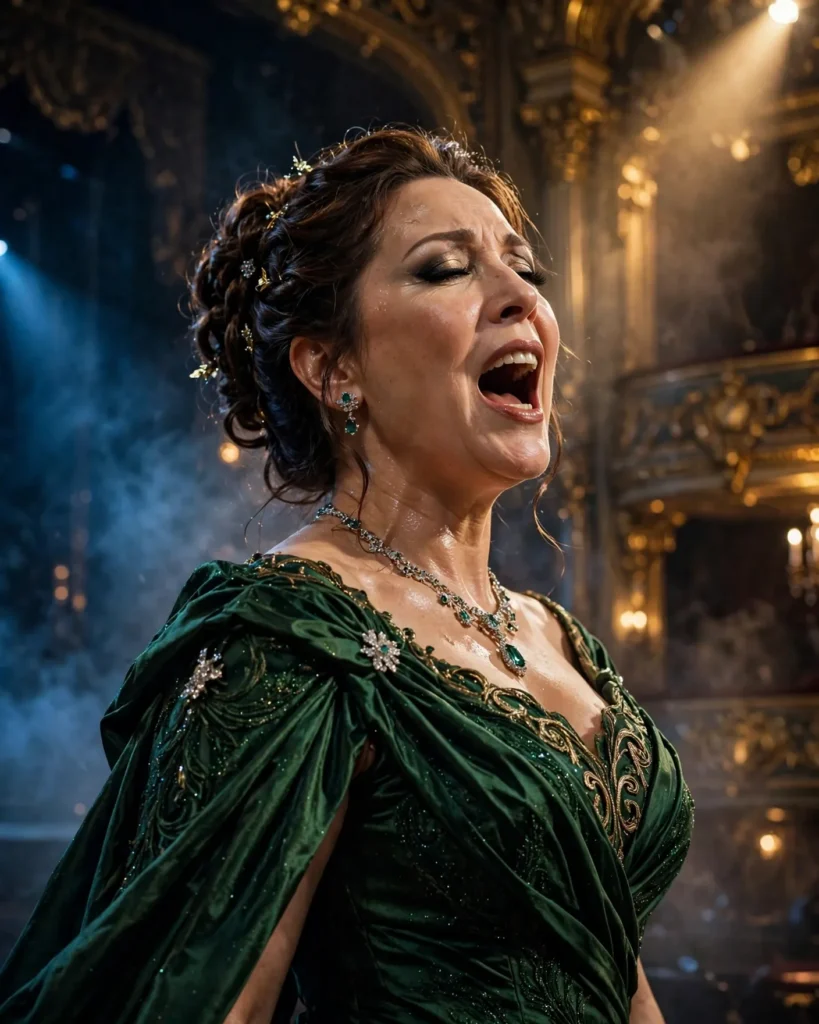
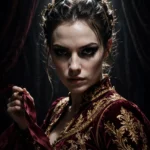
Powerful portrait of a female opera singer in her forties captured mid-aria on a grand theater stage, mouth open in full voice, wearing an opulent emerald gown with dramatic draping and sparkling jewelry. Sweeping stage lights in gold and deep blue wash over her while the ornate gilded theater blurs behind, a faint haze catching the beams. Her expression radiates passion and command. Shot with a Canon EOS R3 and 70-200mm f/2.8 lens at 120mm, frozen expressive moment, rich jewel tones against dark theater, detailed gown texture and stage makeup, triumphant emotional intensity, tight framing, ultra-detailed, 8k, sharp focus, performing-arts editorial photography.
Copy the prompt above and paste it directly into Stable Diffusion XL — no editing needed.
Recommended Settings
- Best tool: Stable Diffusion XL
- Aspect ratio: 4:5
Negative Prompt
blurry, low quality, watermark, distorted face, deformed hands, cartoon, flat lighting, text errors, oversaturated
Add the negative prompt above in Stable Diffusion XL’s negative prompt field to avoid common artifacts.
How to Use This Prompt
- Copy — select the prompt text above and copy it.
- Paste into Stable Diffusion XL — open Stable Diffusion XL and paste the prompt into the prompt box.
- Set 4:5 — choose the 4:5 aspect ratio before generating.
- Generate and refine — run 2–3 variations and keep the best one.