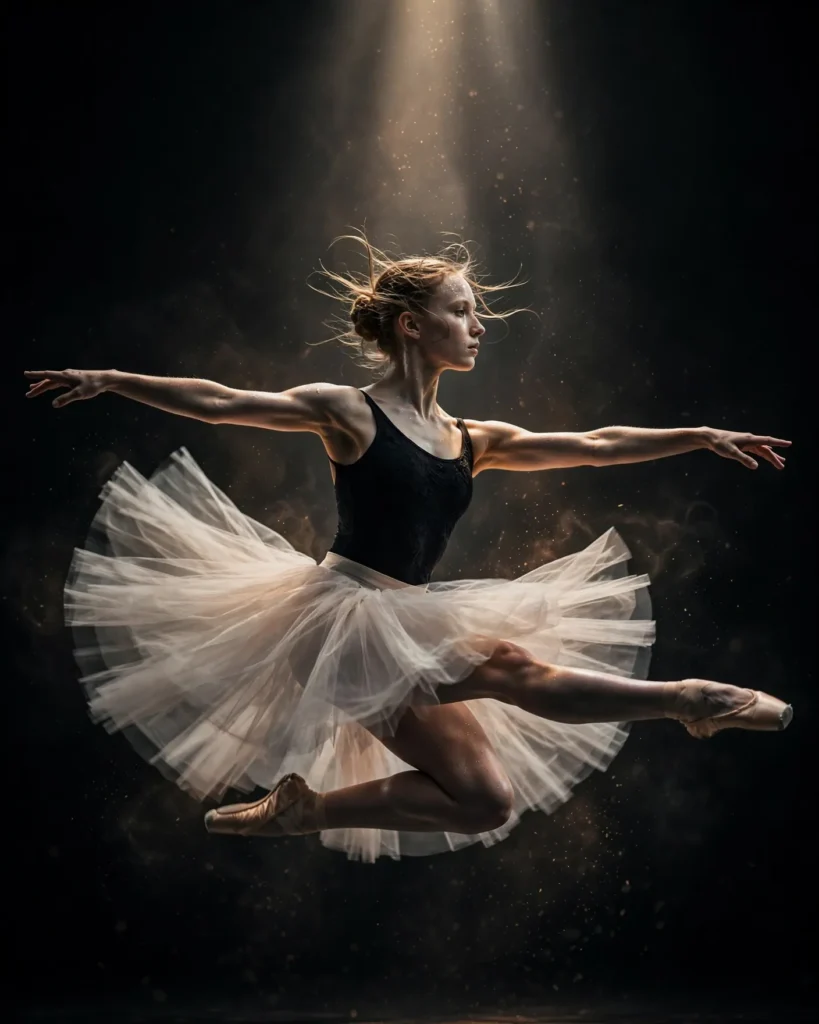
Looking for a copy-paste ready AI image prompt? Below is a complete, hand-crafted prompt for Ballet Dancer Motion Portrait Prompt: Leap in a Dark Studio, tuned for Ideogram. Just copy the prompt, paste it into Ideogram, and generate.
The Prompt
Dynamic portrait of a young female ballet dancer captured mid-leap in a dark studio, her pale tulle skirt fanned out around her, arms extended in perfect arabesque, face serene with intense focus. A single dramatic spotlight from above sculpts her form against pitch-black surroundings, faint motion blur on the skirt edges conveying movement, dust particles glowing in the light beam. Shot with a fast shutter on a Canon EOS R3, 70-200mm f/2.8 lens at 135mm, frozen peak action, defined musculature, elegant lines, monochrome-leaning grade with warm skin highlights, centered composition with space above her leap, ultra-detailed, 8k, sharp focus, fine-art dance photography, graceful and powerful mood.
Copy the prompt above and paste it directly into Ideogram — no editing needed.
Recommended Settings
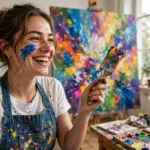
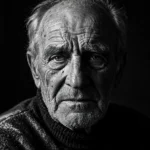
- Best tool: Ideogram
- Aspect ratio: 4:5
Negative Prompt
blurry subject, low quality, watermark, deformed limbs, extra fingers, distorted face, cluttered background, cartoon
Add the negative prompt above in Ideogram’s negative prompt field to avoid common artifacts.
How to Use This Prompt
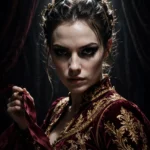

- Copy — select the prompt text above and copy it.
- Paste into Ideogram — open Ideogram and paste the prompt into the prompt box.
- Set 4:5 — choose the 4:5 aspect ratio before generating.
- Generate and refine — run 2–3 variations and keep the best one.