Hailuo AI is MiniMax’s AI video app, and its newest model — MiniMax H3 (Hailuo 03) — generates clips up to 15 seconds at 2K resolution with native audio. If you’ve tried the free tier of other video generators and hit paywalls fast, Hailuo AI is worth a look: it hands out daily free credits, supports text-to-video, image-to-video, and a reference mode that takes up to 12 assets in one run. This guide shows you how to use Hailuo AI free, what the MiniMax H3 model can actually do, and where the free plan’s limits are.
What Is Hailuo AI?
Hailuo AI (known as 海螺视频 in China) is the consumer video app from MiniMax, a Shanghai-based AI company. While US tools like Sora and Veo get most of the headlines, MiniMax has quietly built one of the most capable video models on a budget — reviewers consistently praise Hailuo for physics-accurate motion and stylized content like anime and illustration at a fraction of competitors’ prices. Roughly speaking, reviewers put a 10-second 1080p Hailuo clip at around $0.30 versus about $1.20 for Runway and $3.50 for Sora — though exact pricing moves with plans and promos, so treat those as directional, not quotes.
The lineup in 2026 looks like this:
- Hailuo 03 / MiniMax H3 — the current flagship (launched July 2026): 2K output, up to 15 seconds, multimodal reference inputs, native stereo sound.
- Hailuo 2.3 — the physics-focused model from early 2026: better body movement, natural facial micro-expressions, strong anime/illustration/game-CG support.
- Hailuo 02 — the cinematic model with native 1080p output, picked when you want footage that looks intentional rather than generated.
- Fast variants — cheaper batch generation, cutting costs by up to ~50% for high-volume creators.
A practical rule of thumb from reviewers: use 2.3 for physics and character content, 02 for cinematic quality, H3 when you want maximum detail and reference control, and Fast variants when batching. If you’re comparing models more broadly, our Kling AI vs Veo 3 vs Sora 2 comparison puts Hailuo’s rivals side by side.
MiniMax H3: What the Model Can Do


MiniMax H3 is the model behind the current Hailuo experience, and it’s the most flexible of the bunch. Here’s the spec sheet that matters:
| Spec | MiniMax H3 |
|---|---|
| Max resolution | 2K (768p also available, cheaper) |
| Clip duration | 4–15 seconds (whole seconds) |
| Aspect ratios | 21:9, 16:9, 4:3, 1:1, 3:4, 9:16 — plus adaptive in reference mode |
| Input modes | Text-to-video, image-to-video (first/last frame), reference-to-video |
| Reference inputs | Up to 9 images, 3 videos, 3 audio tracks (12 files max per run) |
| Audio | Native stereo sound generated with the video |
| Credit cost | ~55 credits per second at 768p, ~90 per second at 2K |
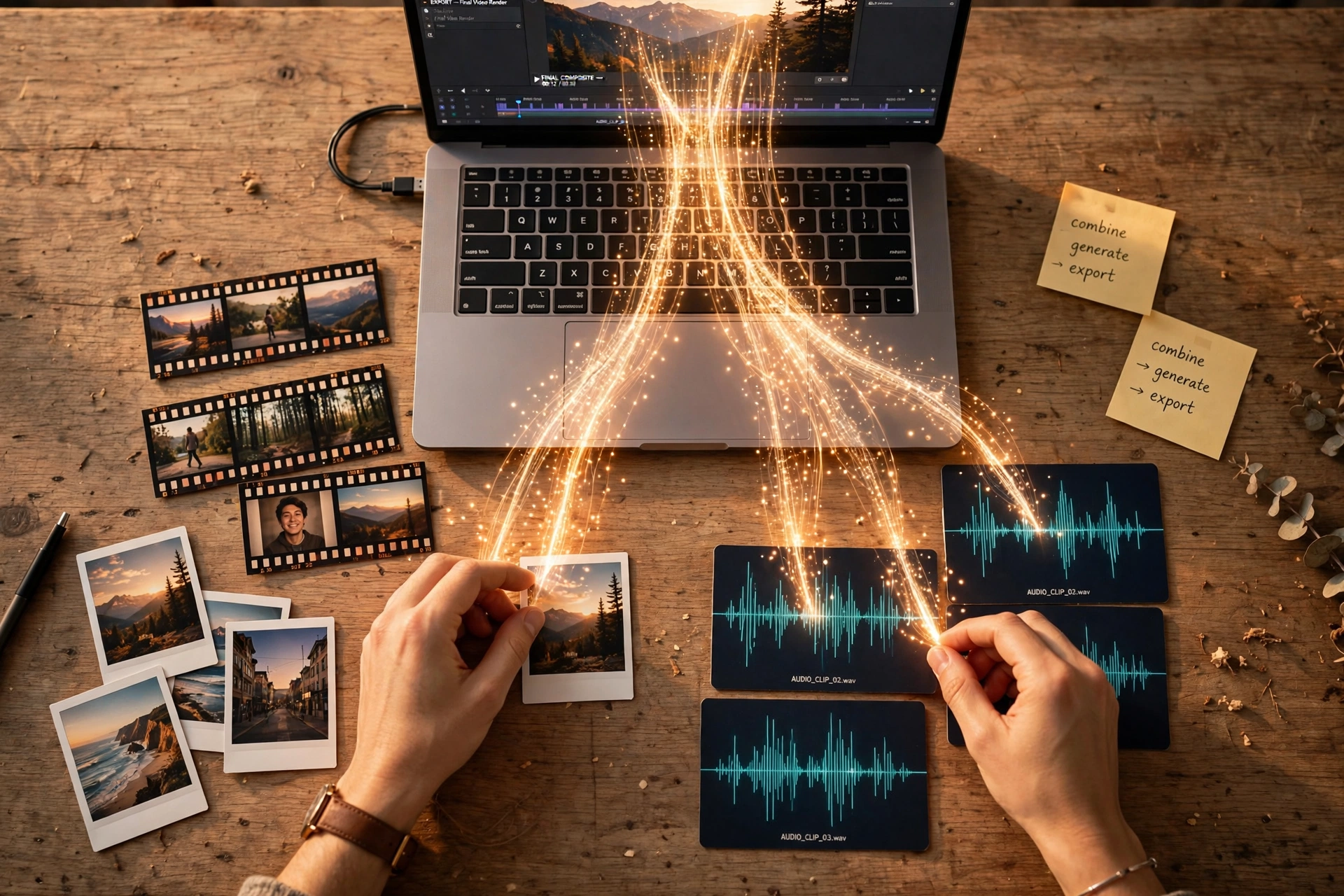
The reference mode is the standout feature. You can feed the model up to nine reference images, three short video clips, and three audio tracks in a single generation — then cite them in your prompt as “Image 1”, “Video 1”, “Audio 1” and describe what each should contribute. Want a character’s face locked from a photo, motion borrowed from a reference clip, and mood driven by an audio track? That’s one run. For character work specifically, pair this with the techniques in our AI character consistency guide.
One quirk to know: H3 generates native audio on every run with no mute toggle. If you need a silent plate, mute it in your editor afterward — or pick a model where sound is optional.
How to Use Hailuo AI Free: Step by Step
You don’t need a credit card to start. Here’s the workflow:
Step 1: Create your account
Head to the Hailuo AI website and sign up. New users receive one-time free trial credits for Hailuo models, and the free tier tops you up with daily bonus credits — enough for roughly two to three short videos per day at 720p. Free outputs carry a watermark and are for non-commercial use.
Step 2: Pick your model and mode
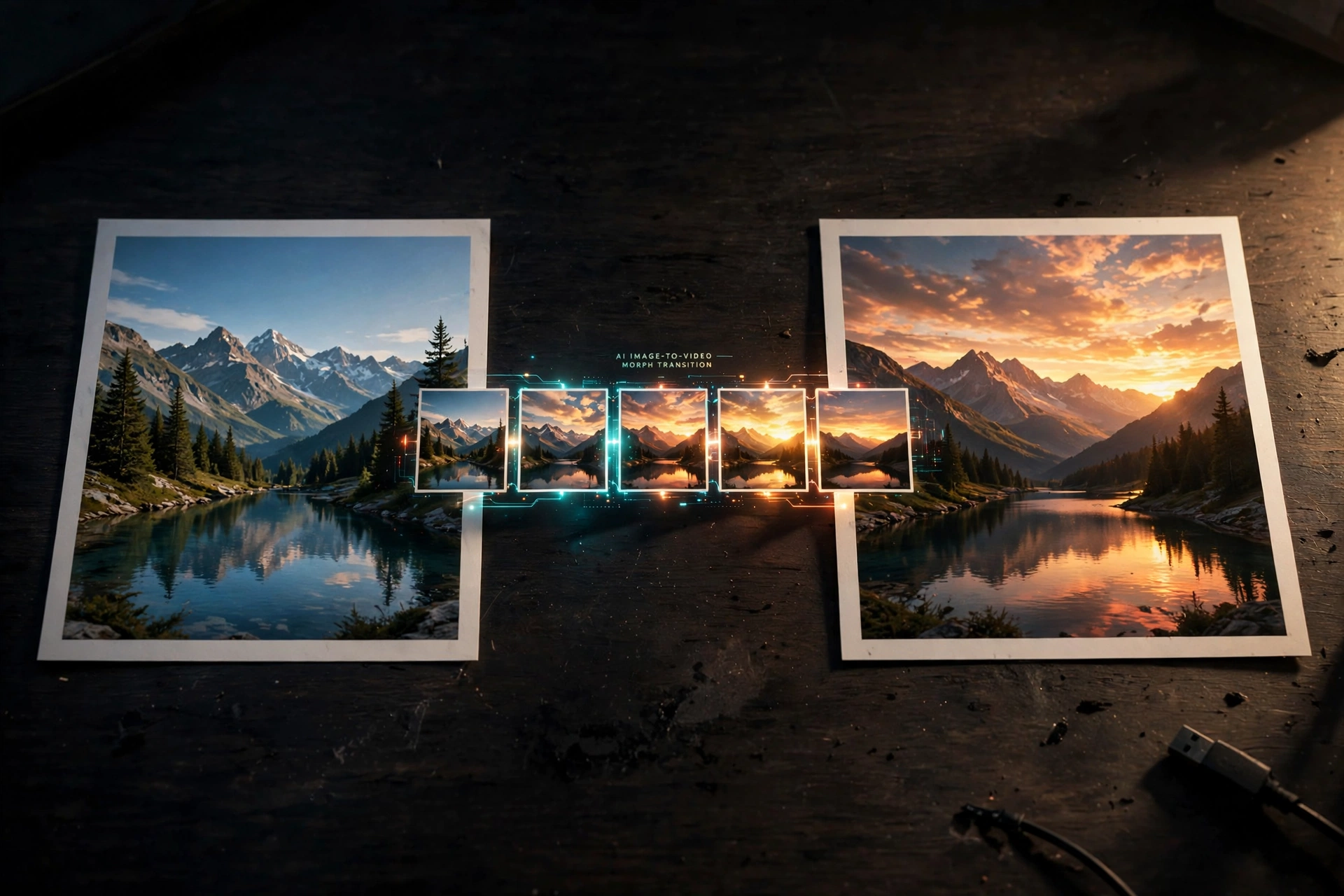
Choose between text-to-video (describe the scene), image-to-video (upload a first frame — optionally a last frame too, and Hailuo will animate the transition between them), or reference mode (attach images, clips, and audio as creative anchors).
Step 3: Set duration, ratio, and resolution
Pick whole seconds from 4 to 15, choose your aspect ratio up front (9:16 for Shorts/Reels/TikTok, 16:9 for YouTube — deciding before you generate saves re-renders), and choose 768p to stretch credits or 2K for maximum detail. Our AI video aspect ratio guide covers how to prompt for each format.
Step 4: Write your prompt and generate
Describe subject, action, camera, and lighting. In reference mode, cite assets by order (“Image 1”, “Video 1”, “Audio 1”). Hit generate and preview in the browser. If you want stronger prompts generally, our AI video prompts guide breaks down the 6-part formula that works across tools.
Step 5: Download or iterate
Download the MP4 when you’re happy. Hailuo also supports instruction-based editing — describe the change you want and it re-renders the shot while leaving the rest untouched.
Hailuo AI Free vs Paid: The Limits


The free tier is genuinely useful for testing, but know the boundaries:
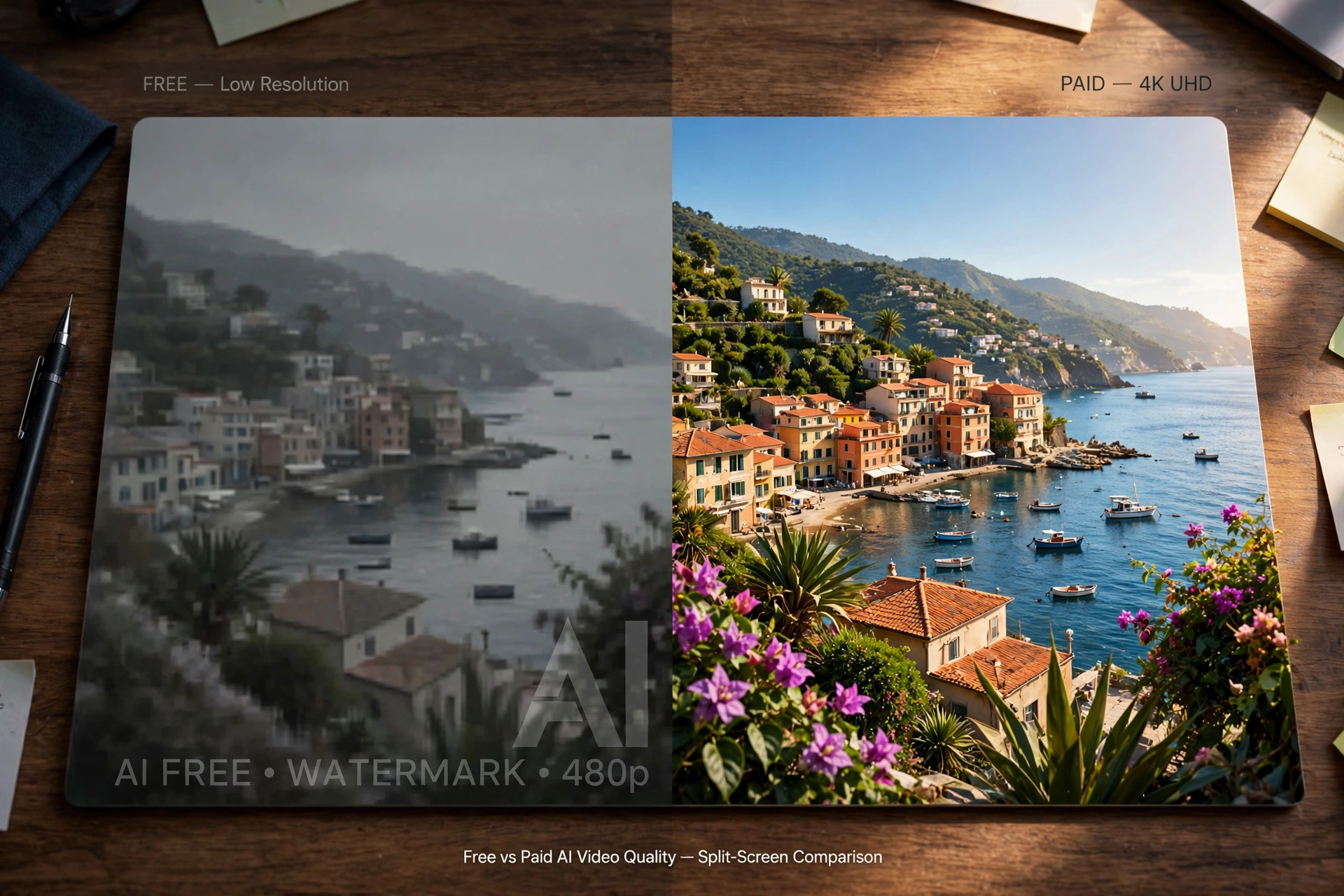
- Watermark: free outputs are watermarked; every paid plan removes it.
- Resolution: free is limited to 720p; paid unlocks 1080p and 2K.
- Commercial use: free tier is non-commercial only; paid plans grant commercial rights.
- Daily credits: the free allowance covers a few short clips per day — plan your prompts instead of experimenting freely, since failed generations can still consume credits.
Paid plans (prices move with promos, so check the pricing page): Standard runs about $10.50/month billed monthly for 1,000 credits, Pro about $38 for 4,500 credits with parallel tasks, Master about $89 for 10,500, and Max about $216 for 27,000 credits. Higher tiers also bundle access to third-party models including Google’s Veo 3.1 and OpenAI’s Sora 2, turning Hailuo into a multi-model suite. One caution from user reviews: billing and cancellation complaints show up often enough that you should read the subscription terms carefully and set a calendar reminder before any trial converts.
Prompt Tips That Work Well on Hailuo
Hailuo’s strength is physics and stylized motion, so lean into it:
- Describe motion physically: “fabric ripples in wind”, “water splashes outward in slow arcs” — the model handles physical cause-and-effect better than most.
- Use first/last frame mode for controlled transitions: upload a start and end image and let Hailuo animate between them.
- Cite references explicitly: in reference mode, name each asset (“Image 1 sets the character’s face; Video 1 provides the camera motion”) rather than hoping the model guesses.
- Try anime and illustration styles: Hailuo 2.3’s support for anime, ink wash, and game CG is a genuine edge — photorealism isn’t the only game.
- Keep clips short on the free tier: at ~55 credits/second (768p), a 4-second clip costs about 220 credits. Shorter tests = more experiments per day.
Yes, with limits. New users get trial credits plus daily bonus credits — roughly two to three short 720p videos per day, watermarked, non-commercial. For watermark-free, higher-resolution, or commercial work you need a paid plan.
The Bottom Line
Hailuo AI earns its spot as the budget pick of 2026: a real free tier with daily credits, 2K output and 15-second clips on the flagship H3 model, and reference-mode control that rivals tools costing several times more. Start free, learn the first/last-frame and reference workflows, and only pay when the watermark or 720p cap actually blocks you. And if you want a second opinion before committing, try Shaheer GPT — describe your project and it’ll help you pick the right model and settings.