Photo editing used to mean expensive software and a steep learning curve. In 2026, a free AI photo editor handles most of the heavy lifting: background removal, object erasing, photo enhancement, and even generative edits now run in a browser or on a phone — free. Multiple 2026 roundups note that the gap between paid and free photo editors has narrowed sharply, with several leading their reviews with free tiers specifically.
This guide compares the best free AI photo editors in 2026 — all usable online or on mobile with no download required for the core experience. We cover generative editors, background removers, full Photoshop alternatives, and restoration tools, with honest notes on each free plan’s limits. All claims about free-tier features below are drawn from published roundups and plan documentation; allowances change, so treat them as a starting point and check the current plan page.
The 9 Best Free AI Photo Editor Apps of 2026
1. Google Photos Magic Editor
Magic Editor is built into Google Photos on Android and iOS, and it is the easiest way most people will ever touch generative editing. According to published reviews, non-Pixel users get around 10 free saves per month — enough for casual use. Features include moving or resizing objects within a photo, changing the sky, and reframing shots with generative fill completing the new areas. Because it lives inside the gallery app you already use, there is no new software to learn.
Best for: quick generative fixes on phone photos. Limitation: monthly save cap on non-Pixel devices; requires the Google Photos app.
2. Adobe Express with Firefly AI
Adobe Express is Adobe’s free design tool, and its Firefly AI features bring generative fill and text-to-image generation to a free plan with daily generation allowances, according to 2026 tool roundups. A notable advantage: Firefly’s models are trained on licensed content, so outputs are positioned as commercially safer than some competitors. For bloggers and small businesses making social graphics, thumbnails, and banners, it is a strong free option.
Best for: generative fill and AI imagery for content creators. Limitation: daily generation caps; full Creative Cloud features need a subscription.
3. Pixlr
Pixlr is a long-running free browser-based editor that has added AI features including generative fill, generative expand, and transform tools. Reviews describe it as free and ad-supported, with daily AI credits on the free plan and paid plans starting around $2.49/month for heavier use. It suits users who want a familiar layer-based editor in the browser with AI extras on top.
Best for: free in-browser editing with AI fill/expand. Limitation: ads on the free plan; daily AI credit limits.
4. Canva Magic Studio
Canva’s Magic Studio brings AI tools — Magic Eraser, background removal, and more — to the design platform millions already use. Roundups report that the free plan includes capped monthly uses of features like Magic Eraser and background remover. For anyone already making thumbnails, pins, or social posts in Canva, these AI tools slot into the existing workflow with no new learning curve.
Best for: design-integrated AI editing (social graphics, thumbnails). Limitation: monthly caps on AI features for free users.
5. Photopea
Photopea is a full Photoshop alternative that runs entirely in the browser — layers, masks, PSD support — and its core editing is free and unlimited (ad-supported), according to published reviews. It is less “AI” than the others on this list, but it earns its place because serious free editing often needs manual control alongside AI features, and Photopea delivers professional-grade tools for zero cost.
Best for: advanced manual editing free in the browser. Limitation: ads; AI features are not its focus.
6. Remove.bg
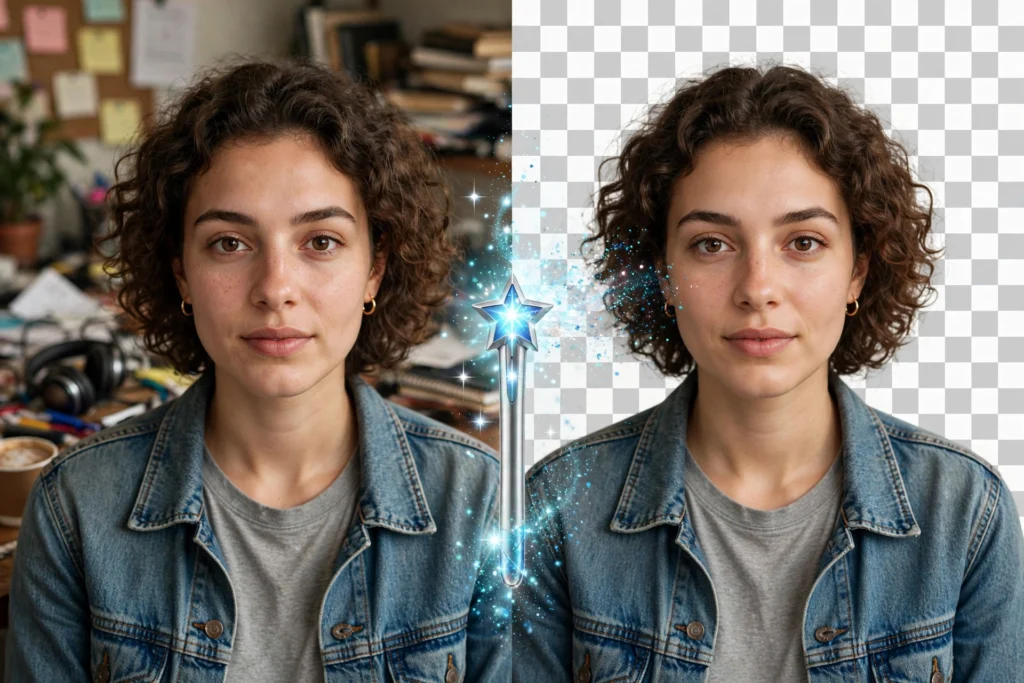
Remove.bg does one thing — AI background removal — and does it well. Published roundups note free background removal on the website, with an API available for bulk workflows. For product photos, profile pictures, and thumbnails, it is the fastest route from photo to transparent PNG. ShaheerTools also offers a free background remover that runs entirely in your browser if you prefer not to upload your images.
Best for: one-click background removal. Limitation: single-purpose; high-volume or HD needs go paid.
7. Photoroom
Photoroom targets product and e-commerce photos: background removal and replacement, templates, and batch workflows aimed at online sellers. Reviews describe free background removal at reduced resolution — fine for quick marketplace listings and social posts, with paid tiers unlocking full resolution. If you sell on Etsy or run a small store, it is purpose-built for your use case.
Best for: e-commerce product photos. Limitation: reduced resolution on the free tier.
8. Remini
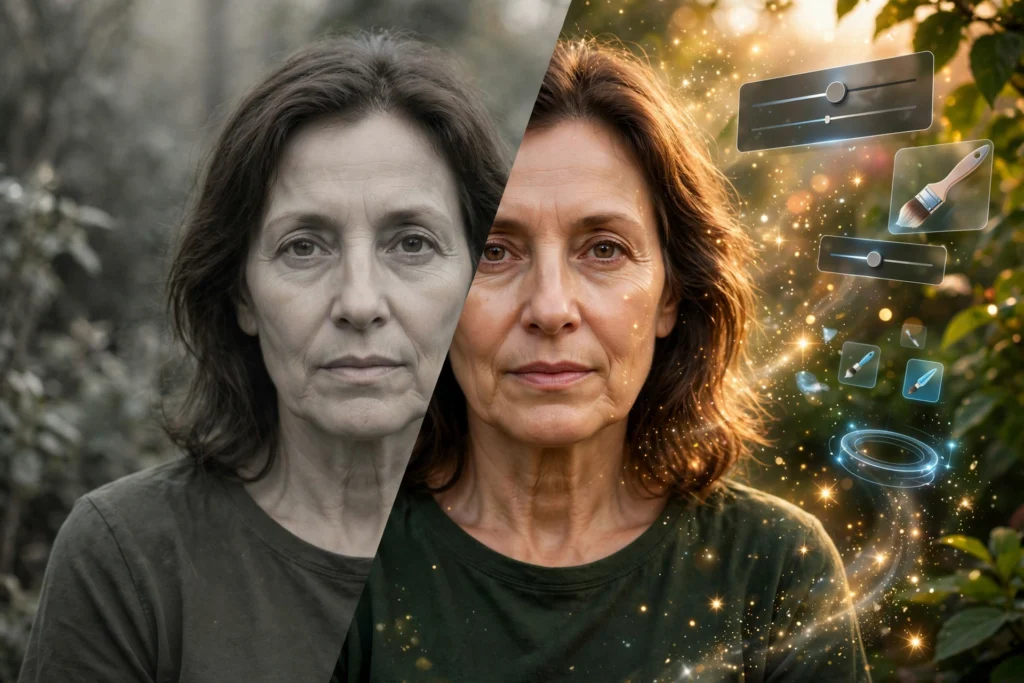
Remini specializes in enhancing old, blurry, or low-resolution photos — the “restore grandma’s wedding photo” use case. Its AI upscaling and face-restoration features have made it a go-to for photo restoration, with a free tier offering limited enhancements. Results on very old or damaged photos can be striking, though outcomes vary with the source image quality.
Best for: restoring and enhancing old/low-res photos. Limitation: limited free enhancements; best results need decent source material.

9. Snapseed
Snapseed, Google’s free mobile editor, remains a top pick in 2026 roundups for all-in-one phone editing: AI-assisted Face Pose, Healing brush, selective adjustments, and RAW support — all free with no meaningful caps reported. It lacks generative fill, but for precise, professional-quality edits on a phone, reviewers still rank it among the best free options available.
Best for: full-featured free mobile editing. Limitation: no generative AI fill; mobile only.
Free AI Photo Editor Comparison Table


| Tool | Platform | Free tier highlights | Key free limit |
|---|---|---|---|
| Google Photos Magic Editor | Android / iOS | Generative object moves, sky edits | ~10 saves/month (non-Pixel) |
| Adobe Express (Firefly) | Browser / app | Generative fill, AI imagery, commercial-safe | Daily generation caps |
| Pixlr | Browser | Generative fill/expand, layer editing | Ads; daily AI credits |
| Canva Magic Studio | Browser / app | Magic Eraser, background removal | Capped monthly AI uses |
| Photopea | Browser | Full Photoshop-style editing, PSD support | Ads; minimal AI features |
| Remove.bg | Browser | One-click background removal | Single-purpose; HD is paid |
| Photoroom | App / browser | Product-photo backgrounds, templates | Reduced resolution free |
| Remini | App | Old-photo restoration, upscaling | Limited free enhancements |
| Snapseed | Android / iOS | Pro-grade mobile editing, RAW, Healing | No generative fill; mobile only |
Best Free AI Photo Editor for Each Task
Different jobs call for different tools. Based on reported strengths:
- Background removal: Remove.bg for speed; Canva Magic Studio if you are already designing there; Photoroom for product shots.
- Removing unwanted objects: use an object remover like Google Photos Magic Editor on your phone, or Pixlr’s generative fill in the browser.
- Restoring old photos: Remini is the specialist; Snapseed’s Healing and detail tools help with manual cleanup.
- Social graphics and thumbnails: Canva Magic Studio or Adobe Express — AI features inside real design tools.
- Serious manual editing free: Photopea in the browser; Snapseed on mobile.
- Quick phone fixes: Google Photos Magic Editor or Snapseed, depending on whether you want generative or precise control.
How to Choose the Right Free AI Photo Editor


- Start with your device. Phone-first editors (Magic Editor, Snapseed) beat browser tools if you shoot and edit on mobile; browser tools (Pixlr, Photopea, Adobe Express) win on a laptop.
- Match the tool to the job. A background remover will not restore an old photo, and a restoration app will not design a thumbnail. The list above maps tasks to tools.
- Check the free caps honestly. Monthly saves, daily credits, and resolution limits are the real constraints — estimate your volume before committing to a workflow.
- Consider privacy. Browser-based tools that process locally keep your photos on your device; cloud editors upload them. For personal or client photos, prefer local processing where available.
- Combine free tools. A common free workflow: restore in Remini, remove the background with Remove.bg, then design the graphic in Canva — all without paying.
Free vs Paid: When to Upgrade
Free tiers cover casual and moderate use well in 2026. Paid plans make sense when you consistently hit a wall: monthly save caps interrupting client work, reduced resolution hurting product listings (Photoroom paid), or needing batch/API workflows (Remove.bg API, Fotor batch editing). For most bloggers, students, and casual creators, the free tools above are enough.
FAQ
What is the best completely free AI photo editor with no limits?
Snapseed and Photopea come closest — both are free with no meaningful usage caps reported, though neither focuses on generative AI. Every generative AI feature (fill, expand, erase) is metered somewhere because it costs computing power to run.
Can I use free AI-edited photos commercially?
It depends on the tool’s terms. Adobe’s Firefly outputs are positioned as commercially safer due to licensed training data; other tools vary. Always check the current terms of service before using AI-edited images in client work or products.
Do free AI photo editor apps keep my uploaded photos?
Policies differ. Cloud-based editors upload your images for processing and their retention policies vary by provider — check the privacy policy if you edit personal or client photos. Tools that process entirely in your browser never upload anything.
Which free AI photo editor is best for removing backgrounds?
Remove.bg is the fastest dedicated ai background remover; Canva’s background remover suits users already in Canva; Photoroom is built for product photos. All have free tiers with resolution or volume limits.
Can a free AI photo editor really restore very old damaged photos?
They can improve many old photos noticeably — upscaling, denoising, and face enhancement — but results depend heavily on the source. Severely damaged or extremely low-resolution originals may only improve modestly. Remini is the most-cited free option for this task.
Final Verdict
The best free AI photo editor in 2026 depends on your task, but every pick above works online for free with no download. Start with Snapseed or Photopea for unlimited manual editing, add Remove.bg for one-click background removal, and keep a generative option like Pixlr or Adobe Express handy for creative edits. If you also need help writing captions or prompts, try our free AI chat.