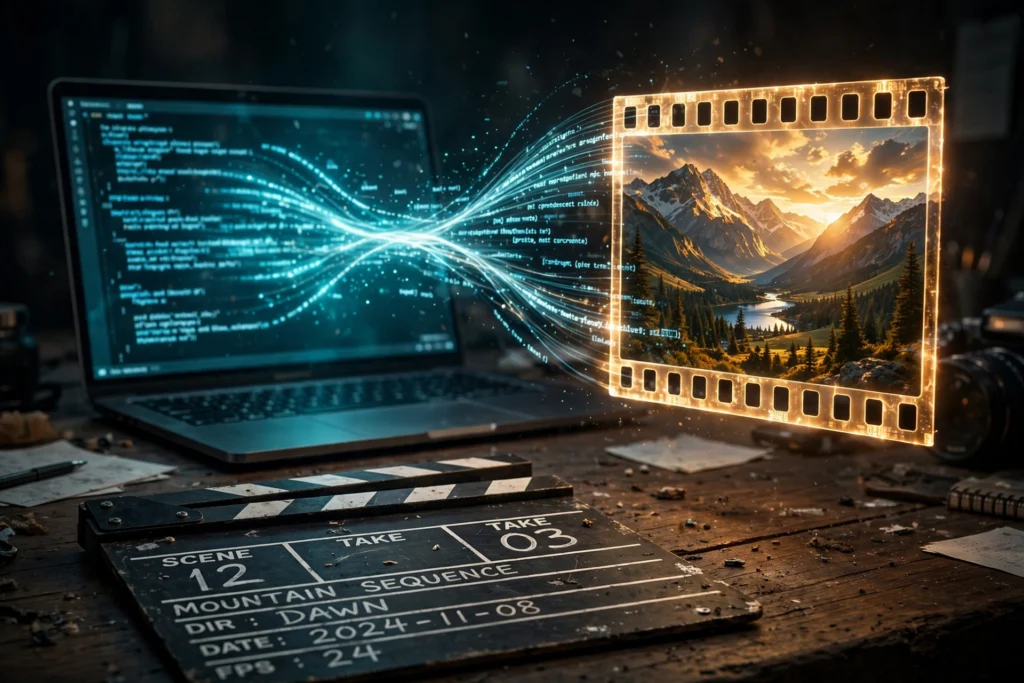
AI video prompts that actually work all share one trait: each is a compact shot brief – one clear subject, one specific action, a camera behavior, and lighting or style cues, usually in two to four sentences. Get those right and even free tools produce clips worth keeping. Get them wrong and you get the classic AI mush: morphing faces, random camera jumps, and motion that goes nowhere.
If you have read our guide to writing AI image prompts, you already know half of this. The other half is what makes video different: motion and time. An image prompt describes a frozen frame. A video prompt must describe what moves, how it moves, and how the camera behaves while it happens. That is the skill this guide teaches – with real weak-vs-strong examples, a camera language cheat sheet, and tool-specific tips for Runway, Pika, Kling, Veo, and Google Vids.
What Makes Video Prompts Different From Image Prompts
Image prompting is about appearance. Video prompting is about appearance plus change over time. This single difference explains why so many AI video prompts fail.
When you write “a beautiful mountain lake at sunset” for an image tool, the model renders one frame and it looks fine. Feed the same prompt to a video tool and you often get a flat, lifeless clip – the model has a subject and a mood but no instruction for what should move (LTX prompting guide).
Video also has a time dimension images lack. Words like “gradually,” “slowly,” or “transitioning from dawn to daylight” give the model temporal direction. Without them you get a single frozen moment that jitters instead of a scene that evolves.
One more difference: one action per clip. “A woman walks into a cafe, sits down, opens her laptop, and starts typing” is four separate shots crammed into one prompt. Every tool struggles with this. Split multi-action ideas into individual generations – one clear action each – and stitch them in an editor.
The Anatomy of Good AI Video Prompts (6 Parts)

Across every major tool, working AI video prompts converge on the same six elements in a consistent order. Models read left to right and weight the earliest tokens more heavily, so lead with what matters most.
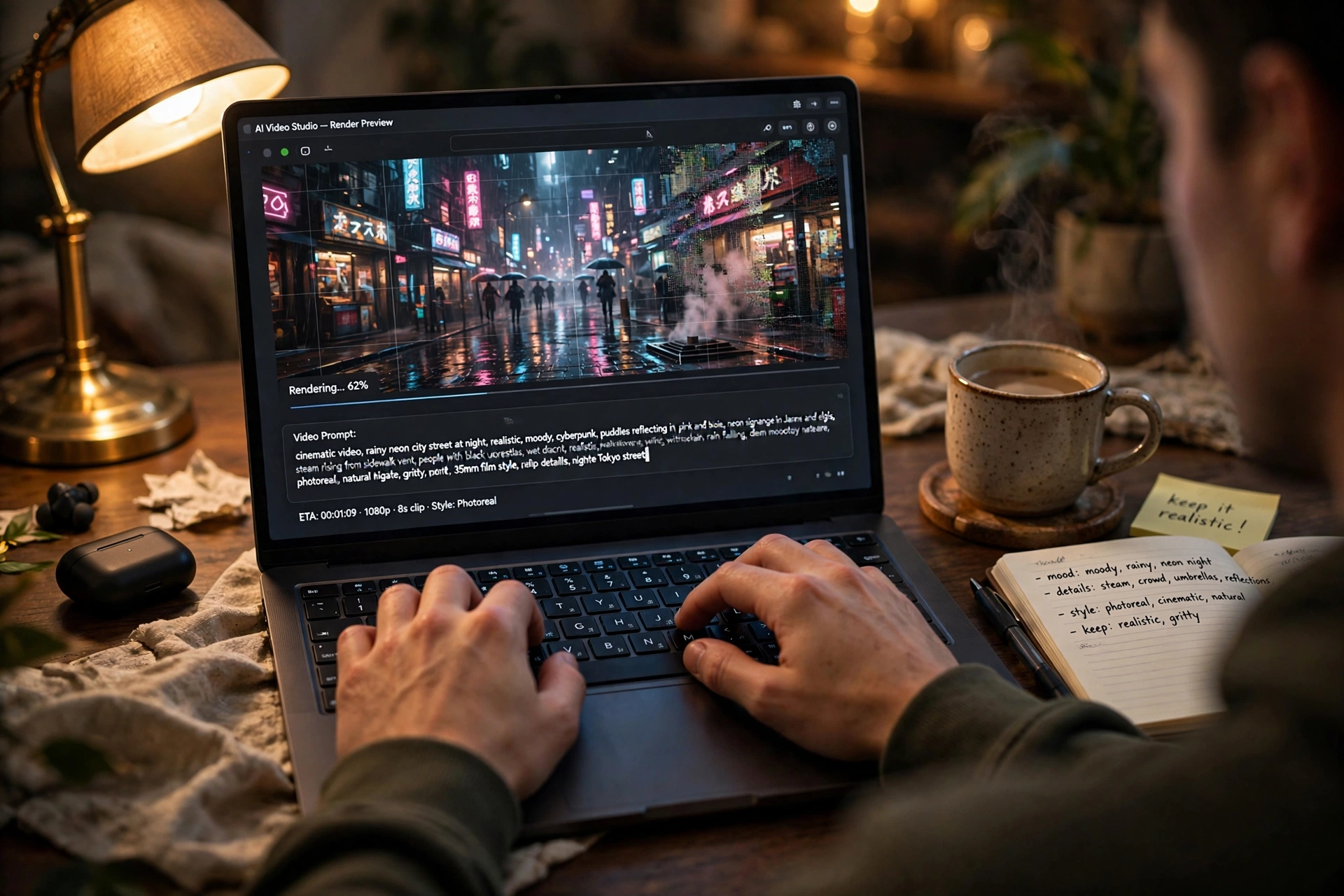
The formula: [Camera] + [Subject] + [Action] + [Setting] + [Style] + [Lighting] (via NemoVideo’s tested guide)
Here is what each part does:
1. Subject – the specific noun. “A woman in her 30s in a navy raincoat” beats “a person.” Name the exact thing viewers should notice first.
2. Action – one specific verb. “Walking briskly” beats “walking.” Describe movement precisely, and keep it to a single beat per clip.
3. Setting – where and when. “Tokyo backstreet at 6pm, wet asphalt after rain” hands the model a lighting cue for free. Environment builds atmosphere.
4. Camera – shot size and movement. This is the video-only element. “Medium tracking shot from the left” tells the model what to render, not just what to depict. Always name a camera behavior – even “static camera” is a decision.
5. Style – a named aesthetic. “Shot on 35mm, muted grade, documentary” is stronger than “cinematic.” Reference specific looks, not vague vibes.
6. Lighting – quality and direction. “Warm sodium streetlights, soft rim light” carries more signal than “atmospheric.” Lighting shapes mood more than any other single element.
Google’s own guidance for its Flow filmmaking tool converges on the same idea: be specific about subject and action, composition and camera motion, location and lighting, and don’t be afraid to name alternative styles like stop motion or clay animation (blog.google). For tools with native audio like Veo 3.1, add a seventh element – audio – in separate sentences: ambient sound, effects, and dialogue in quotation marks.
How Long Should AI Video Prompts Be?
For AI video prompts, the sweet spot is two to four sentences, roughly 40 to 80 words. That is enough room for all six elements without diluting the model’s attention.
- Under ~20 words: too vague. The model invents everything and you get randomness.
- 40-80 words: the reliable zone for most tools.
- Over ~150 words: risk of contradicting yourself. Long prompts often contain two instructions that fight each other, and the model picks one at random.
Adjust for your tool: Runway and Veo prefer concise prompts and follow them literally. Kling handles longer descriptions well. Pika auto-enhances internally, so precision matters less there. And for image-to-video, go shorter: the image already supplies subject and scene, so spend your words on action, camera, and motion only.
6 Real Examples: Weak vs Strong Prompts


Study the pattern, not just the words. In every pair, the strong AI video prompts add a specific subject, one action, a camera behavior, and lighting – nothing more exotic than that.
1. Product shot
Weak: “A product shot of a bottle.”
Strong: “Close-up of a brushed-steel water bottle on bone-white marble, slow 20-degree camera arc from the left, soft key light from top-left, matte-black backdrop, high-end commercial look, shallow depth of field.”
2. Person in motion
Weak: “A man walking in the city.”
Strong: “Medium tracking shot of a young courier in a rain shell walking briskly through a backstreet at dusk, warm streetlights reflecting on wet asphalt, camera dollies alongside at hip height, documentary style on 35mm.”
3. Nature establishing shot
Weak: “Beautiful mountains.”
Strong: “Slow aerial push-in over jagged mountain peaks at dawn, mist drifting through valleys below, soft pink-gold light on snow, deep focus, nature documentary grade.”
4. Vertical short-form (hook first)
Weak: “Create a video about saving time with AI.”
Strong: “Vertical 9:16. Opening frame: a creator staring at a 12-tab browser window, stressed. Cursor jumps between tabs as notification sounds overlap. Fast cuts every second, bold captions, punchy comedic timing.”
5. Image-to-video (motion only)
Weak: “A woman standing in a field at sunset, beautiful dress, golden light, mountains behind her.” (redescribes the image – wasted words)
Strong: “She slowly raises her hand as her hair moves in the wind. Dust drifts through the sunlight. Subtle camera push-in. Natural, realistic movement.”
6. Dialogue scene (Veo 3.1)
Weak: “Two people talking in a cafe.”
Strong: “Medium two-shot of two friends at a corner table in a busy cafe, one leaning in and whispering. Warm practical lighting, shallow focus, 35mm film look. Audio: low cafe chatter, clinking cups. She whispers, ‘He’s actually here.'”
Camera Language Cheat Sheet
Models respond to standard cinematography terms because those terms are dense in training data. Name moves instead of describing vibes — learning this vocabulary is what separates weak AI video prompts from strong ones.
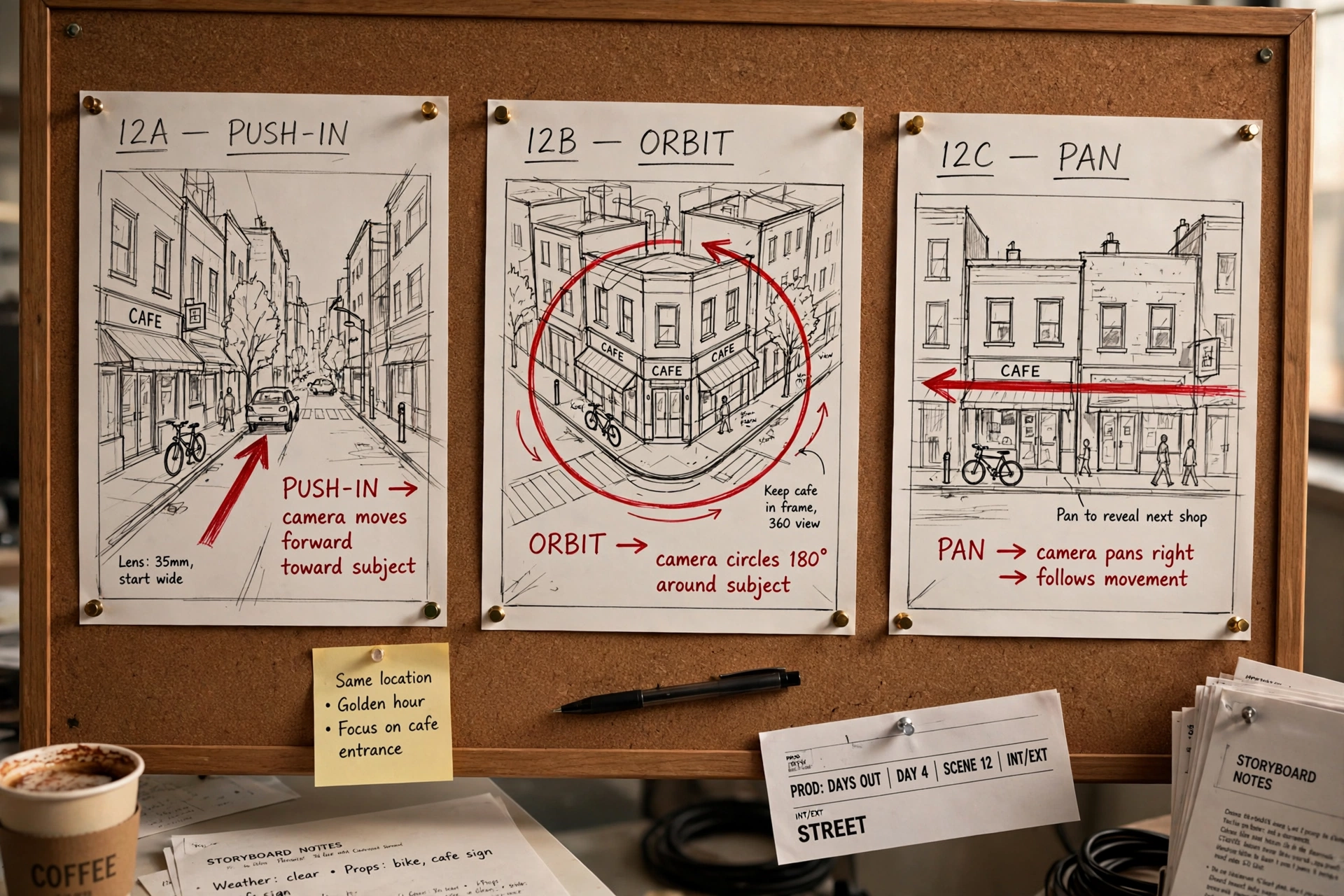
Shot size: extreme close-up, close-up, medium close-up, medium, medium wide, wide, extreme wide.
Angle: low angle, high angle, eye-level, overhead, bird’s-eye view, Dutch angle.
Movement: static, slow push-in, slow pull-back, dolly left/right, tracking shot, handheld, orbit, crane up, whip pan, aerial descending.
Depth: shallow depth of field, deep focus, rack focus from foreground to background.
Two rules: name the move first and intensity second, and never stack more than two camera movements in one prompt.
Tool-Specific Prompting Tips
The same AI video prompts behave noticeably differently on every tool. Keep a base prompt and adjust:
Runway – be concise and literal. It follows camera instructions almost exactly as written – “static wide shot” gives you exactly that. Negative prompts (“no text overlay, no watermark, no distortion”) make a measurable difference here.
Pika – simplify and let it embellish. Pika rewrites prompts internally, expanding terse input with its own detail. Precision matters less; it is the most beginner-friendly of the big tools.
Kling – feed it detail, lock the camera. Kling handles complex descriptions and longer clips, but tends to add camera drift or zoom on its own. Add “locked tripod, no camera movement” when you want stillness.
Veo / Google Flow – write like a shot list. Google’s structure is [Cinematography] + [Subject] + [Action] + [Context] + [Style and Ambience], with audio in separate sentences. Natural, flowing descriptions work well here.
Google Vids – describe, don’t direct. Vids’ free AI video works from simpler descriptions via vids.new. For the full walkthrough, see our Google Vids free AI video guide.
For a broader look at which tool fits your needs, see our free AI video generator guide and the best free AI video generators roundup.
7 Common Mistakes That Ruin AI Videos
1. Multiple actions in one prompt. Three verbs in a 5-second clip guarantees at least one gets dropped. One action per generation.
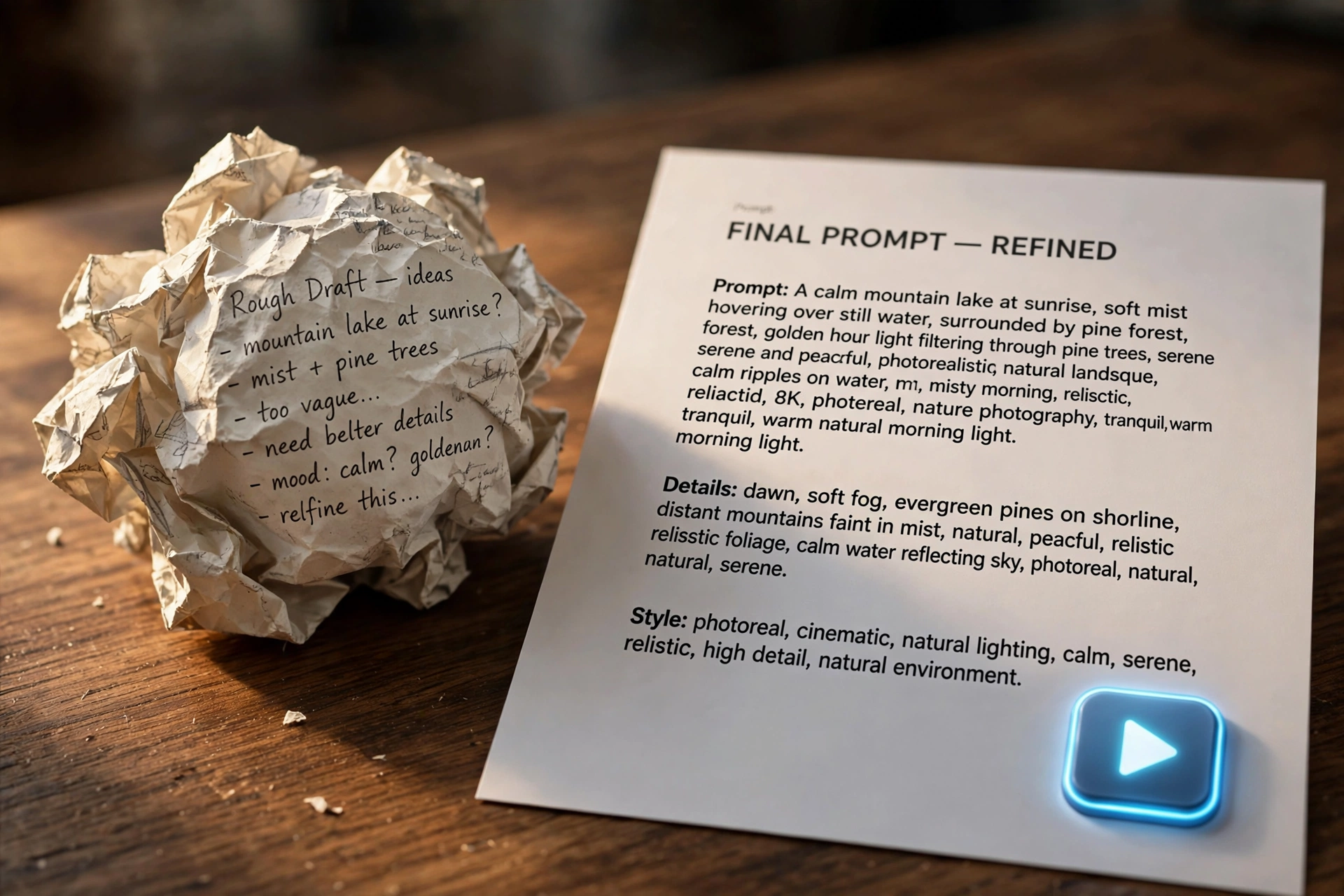
2. Vague camera instructions. “Cinematic shot” means nothing. Name the move: dolly, crane, tracking, static.
3. Conflicting directions. “Fast-paced” and “meditative” in one prompt makes the model pick arbitrarily. Keep one coherent tone.
4. Vague qualifiers. “Nice,” “good,” and “beautiful” carry almost no signal. Replace with named references: “35mm,” “golden hour,” “shallow depth of field.”
5. Missing motion information. A prompt that only describes a static scene gives you a moving photograph at best. Always say what moves.
6. Ignoring negative prompts. On Runway and Kling, a negative string like “no text overlay, no watermark, no distortion, no extra limbs” eliminates a large share of unusable outputs.
7. Using one prompt blindly everywhere. Pika embellishes, Kling adds camera movement, Runway follows literally. Tune per tool instead of copy-pasting.
Frequently Asked Questions
How long should an AI video prompt be?
Two to four sentences, roughly 40 to 80 words, is the sweet spot for most AI video prompts. Runway and Veo prefer concise prompts; Kling handles longer descriptions well. Going beyond five sentences rarely improves output – it mostly adds conflicting instructions.
Can I use the same prompt across different AI video tools?
Yes, but expect different results. Pika will embellish your prompt, Kling may add camera movement you didn’t ask for, and Runway will follow it literally. Keep a base prompt and adjust per tool: simplify for Pika, add “locked tripod” for Kling, add temporal language for Veo.
Do I need negative prompts?
On Runway and Kling, yes – negative prompts like “no text overlay, no watermark, no distortion, no extra limbs” make a measurable difference. Pika and Veo have limited or no negative prompt support, so put exclusions in plain positive language there instead.
Why does my AI video look blurry or glitchy?
Three common causes: fast motion in the prompt (models struggle with rapid movement – use “slow” and “gentle” instead), low-quality reference images, or conflicting camera instructions. Reducing motion complexity is usually the fastest fix.
How do I describe camera movement in a prompt?
Use standard cinematography terms: push-in, pull-back, dolly, tracking shot, orbit, crane up, whip pan, aerial. Name the move first and the intensity second, and never stack more than two movements in one prompt.
What is the difference between image prompts and video prompts?
Image prompts describe a frozen frame – subject, setting, style, lighting. Video prompts need all of that plus motion and time: what moves, how it moves, how the camera behaves, and how the scene evolves. Our AI image prompts guide covers the image side in depth.
How do I keep the same character across multiple clips?
Reuse the exact same visual identifiers in every prompt (“the woman in the red coat” – same words each time), use reference images where the tool supports them, and keep wardrobe, lighting, and style descriptors identical across generations.
The Bottom Line
Writing AI video prompts that actually work comes down to one habit: think like a director, not a describer. Name the subject, give it one action, tell the camera what to do, and set the light – in that order, in 40 to 80 words. Iterate one variable at a time instead of rewriting everything, and tune for your tool’s quirks.
Start with the six-part formula on your next generation and compare it against your old one-line prompts – the difference will be obvious within two tries. And if you want help refining a prompt before spending credits, ask Shaheer GPT to turn your rough idea into a structured shot brief.