Video now dominates the internet. It fills social feeds, product pages, and online courses — yet producing good video has always demanded cameras, actors, editing software, and hours of work.
An AI video generator removes those barriers. You type a description, upload a photo, or pick a template, and artificial intelligence creates a moving video clip for you in minutes.
In this guide, you will learn exactly what AI video generators are, how they work, and which free options are worth trying in 2026. You will also get practical prompt tips, real use cases, and an honest look at their limitations.
What Is an AI Video Generator?
An AI video generator is a tool that creates video clips from simple inputs like text descriptions or still images. Instead of filming anything, you describe the scene you want — “a drone shot flying over a tropical beach at sunset” — and the AI renders it as motion footage.
Most tools produce short clips, typically a few seconds long. You can generate a product demo, an animated logo, a fantasy landscape, or a talking avatar without touching a camera.

An AI video generator turns a written description into moving footage — no camera required.
The technology sits on the same family of generative AI models that powers AI image tools. The difference is complexity: video requires the AI to keep objects, lighting, and motion consistent across dozens of frames per second. That is why video generation arrived later than image generation — and why it still feels a little magical.
If you already use AI image tools, video generation is the natural next step. Many creators now pair AI images with AI video: they design a thumbnail or keyframe with an AI image generator, then animate it into a clip.
How Does AI Video Generation Work?


Video models learn from massive datasets of captioned videos. During training, they study how objects move, how light shifts, and how cameras behave. When you submit a prompt, the model predicts a sequence of frames that matches your description.
You do not need to understand the math. But knowing the three main generation modes helps you pick the right tool.
Text-to-Video: Describe It, Watch It Appear
Text-to-video is the flagship mode. You write a prompt describing the subject, action, camera angle, lighting, and mood. The AI generates a brand-new clip from scratch.
Longer, specific prompts produce better results than vague ones. “A cat” gives you a generic clip. “A slow-motion close-up of an orange tabby cat leaping through tall grass at golden hour, shallow depth of field” gives you something cinematic.
Image-to-Video: Animate Any Picture
Image-to-video starts from a still image — your own photo, an AI-generated image, or product shot — and adds motion to it. The AI invents the movement: clouds drift, hair blows, the camera pushes in.
This mode is extremely popular because it gives you control over the starting frame. Creators often generate a detailed still first, then animate it. It is also the technology behind the breakout search trend “image to video ai free.”
Video Editing and Enhancement
Some platforms focus less on generating from nothing and more on transforming existing footage. They can restyle a video (turn daytime into night), extend a clip beyond its original ending, remove objects, or upscale low-resolution footage.
Why AI Video Generators Are Exploding in 2026
Interest in AI video generation has grown steadily since 2023, according to Google Trends data, and it now sits near its all-time peak across the US, UK, Canada, and Germany. A few forces drive this surge.
First, the models got dramatically better. Early AI videos looked blurry and glitchy. Today’s best outputs feature coherent physics, realistic lighting, and smooth camera motion that casual viewers cannot distinguish from filmed footage.
Second, flagship launches created waves of attention. OpenAI’s Sora demonstration in 2024 showed the world what text-to-video could do, and every subsequent release from competitors added momentum.
Third, free tiers lowered the barrier to zero. You no longer need a subscription to experiment — several capable tools let you generate videos free, which is exactly why “free ai video generator” has become one of the most searched variations of the keyword.
Finally, demand for video content keeps rising. Marketers, educators, and creators all need more video than they can film. AI fills that gap.
The 6 Best Free AI Video Generators in 2026


Dozens of tools exist, but these six stand out for quality, ease of use, and genuinely usable free access. Free plans change often, so always check each tool’s official site for current limits before you commit to a project.
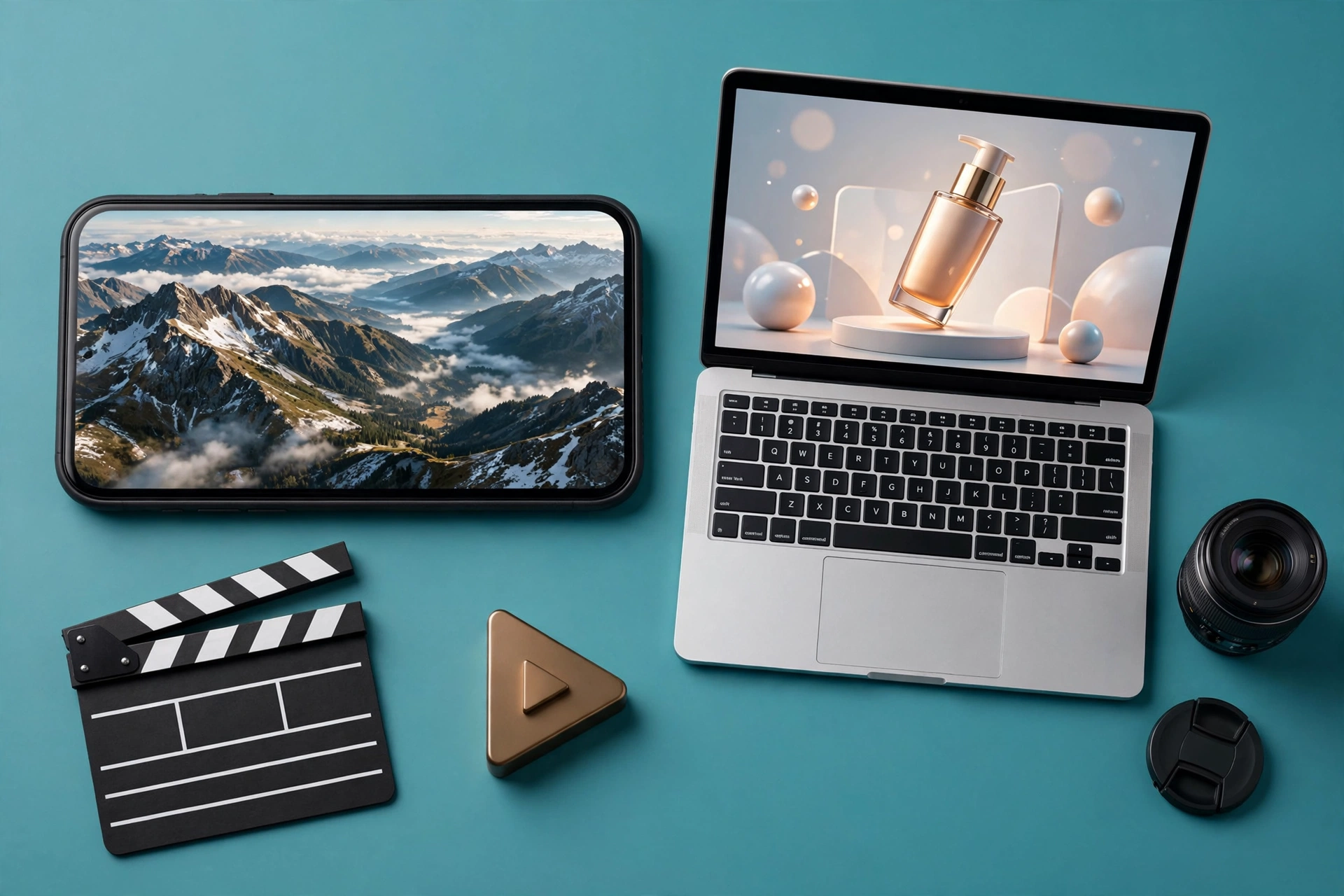
Modern AI video generators accept text prompts, still images, or both as starting points.
1. Sora by OpenAI — The Most Realistic Results
Sora is OpenAI’s flagship video model and the name behind the breakout search “sora ai video generator.” It produces some of the most physically coherent AI video available, with impressive handling of complex scenes and camera movement.
OpenAI introduced Sora in 2024 and has expanded access since. Availability and pricing have evolved, so check OpenAI’s official Sora page for the current way to try it. If you want the realism ceiling of AI video, Sora is the reference point everything else gets compared to.
2. Runway — The Creator’s Favorite
Runway helped pioneer commercial AI video with its Gen series of models. Filmmakers and agencies use it for everything from B-roll to full short films, and its editor-style interface feels familiar if you have ever used video software.
Runway offers a free plan with limited credits, which is enough to test the quality and generate a few clips. Its strengths include precise camera controls and a deep set of editing tools beyond pure generation. Learn more at runwayml.com.
3. Pika — Fast and Fun for Social Clips
Pika focuses on speed and playfulness. Its effects — like turning objects into different materials or adding animated elements to real footage — made it a social media favorite.
Pika offers a free tier that lets you experiment with its signature effects and standard generation. It is an excellent first tool if your goal is short, shareable clips rather than cinematic shorts.
4. Hailuo AI (MiniMax) — Strong Free Tier
Hailuo AI, built by Chinese company MiniMax, surprised many observers with output quality that rivals far better-known tools. It handles human motion and complex prompts remarkably well.
Hailuo offers free generation with limits, making it one of the most generous free options for actually producing usable clips. The interface is straightforward, and results render quickly.
5. Luma Dream Machine — Cinematic Camera Moves
Luma’s Dream Machine earned attention for smooth, film-like camera motion — slow push-ins, orbits, and crane shots that look professionally directed. If your project needs a cinematic feel, this is the tool to test.
Luma offers a free plan with monthly limits. Pair it with detailed camera language in your prompts (“slow dolly forward,” “aerial orbit”) to get the most from it.
6. CapCut — Free Editor With Built-In AI Tools
CapCut takes a different approach: it is a full video editor (free) with AI generation features built in, including script-to-video and AI avatars. Instead of visiting a separate generator site, you create inside an editing timeline.
This makes CapCut ideal for beginners who want generation plus trimming, captions, and music in one place. Its AI features are the most accessible on this list for complete newcomers.
| Tool | Best For | Input Types | Free Access |
|---|---|---|---|
| Sora | Maximum realism | Text, image | Check official site for current availability |
| Runway | Professional projects | Text, image, video | Free plan with limited credits |
| Pika | Social clips & effects | Text, image, video | Free tier available |
| Hailuo AI | High quality, generous free use | Text, image | Free generation with limits |
| Luma Dream Machine | Cinematic camera moves | Text, image | Free plan with monthly limits |
| CapCut | Beginners, all-in-one editing | Script, templates | Free editor with AI features |
How to Create Your First AI Video in 5 Steps
You can go from zero to a finished clip in under fifteen minutes. Here is the workflow:
Step 1: Pick your tool. Start with one from the list above. For your first attempt, choose whichever free tier looks most generous — you will likely test several before settling.
Step 2: Write a detailed prompt. Include the subject, the action, the camera angle, the lighting, and the mood. Aim for two to three vivid sentences rather than a few vague words.
Step 3: Generate and review. Submit the prompt and wait for the render. Watch the full clip and note what worked and what looks off — weird hands, flickering backgrounds, or motion that defies physics are common first-try issues.
Step 4: Refine and regenerate. Adjust the prompt based on what you saw. Change one thing at a time: the camera move, the lighting description, or the action verb. Regeneration is cheap on free tiers, so iterate freely.
Step 5: Edit and export. Trim the best seconds, add captions or music in a free editor, and export. Pair your video with an eye-catching thumbnail — you can create one in seconds with a free bulk AI image generator.
7 Prompt Tips for Better AI Videos
Prompting is a skill, and small changes produce big differences. These seven techniques consistently improve results:
1. Direct the camera like a filmmaker. Name the shot: “wide establishing shot,” “slow push-in,” “overhead drone view.” Camera language is the fastest upgrade to amateur-looking clips.
2. Lock the lighting and time of day. “Golden hour,” “soft studio lighting,” and “neon-lit night street” each create a completely different mood. Never leave lighting to chance.
3. Describe motion with verbs. The AI needs to know what moves and how. “Leaves rustle in the wind” beats “a tree.” Active verbs give the model motion to render.
4. Set the pace. Words like “slow-motion,” “time-lapse,” and “gentle drift” control speed. Without pace cues, motion often feels random.
5. Keep one clear subject. Clips with a single focal point look far better than busy scenes. Complexity multiplies the chance of glitches.
6. Specify the style. “Cinematic film still,” “anime style,” “vintage 16mm footage” — style anchors keep the output consistent instead of drifting between looks.
7. Iterate instead of restarting. When a clip is 80% right, tweak one phrase and regenerate. Wholesale rewrites waste your free credits.
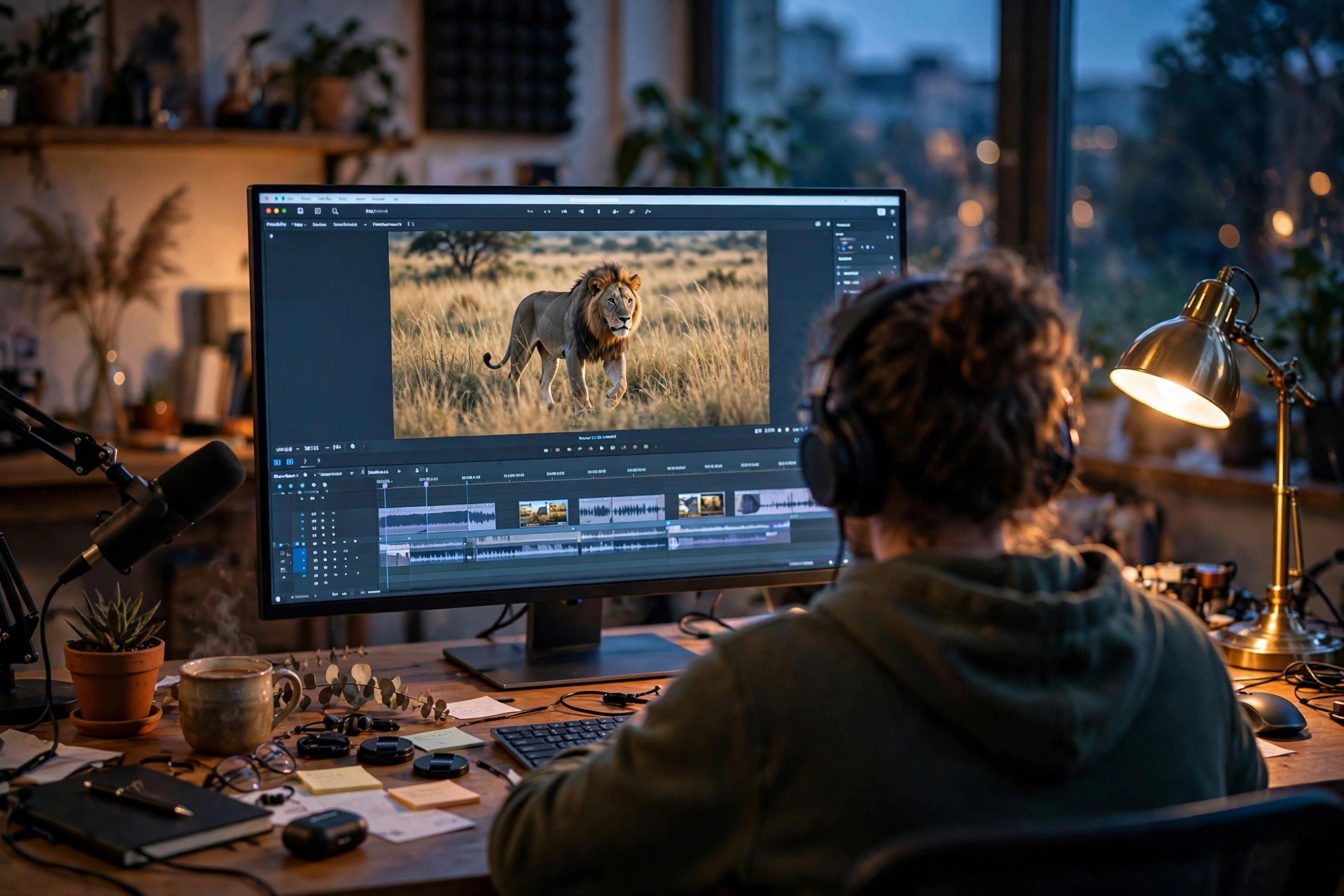
Good prompting is a skill — small wording changes dramatically improve AI video quality.
Best Use Cases for AI Video Generators
Social Media Content
Short-form video rewards volume and novelty. Creators use AI generators to produce scroll-stopping openers, animated backgrounds, and surreal visual effects that would cost thousands to film. A single afternoon can yield a week’s worth of posts.
Marketing and Product Videos
Small businesses use AI video for product demos, animated logos, and ad variations. Instead of one expensive commercial, you can generate ten versions and test which converts best. E-commerce sellers especially benefit — a moving product shot outperforms a static image in most feeds.
Education and Training
Teachers and course creators turn written lessons into visual explainers. Abstract concepts — how a volcano erupts, how blood circulates — become watchable animations in minutes. Training teams produce consistent onboarding videos without booking a studio.
For more free creative tools to support your content workflow, browse the full collection at ShaheerTools’ free tools page.
Limitations You Should Know About
AI video generators are powerful, but honest expectations matter.
Clips are short. Most free tiers produce clips of a few seconds. Longer narratives require stitching multiple generations together, which demands planning.
Glitches still happen. Hands, text, and complex physics remain weak points. Always review every frame before publishing anything client-facing.
Consistency is hard. Generating the same character across multiple clips is one of the field’s toughest problems. Some tools now offer character-reference features, but perfect continuity is not guaranteed.
Free tiers have limits. Expect watermarks, resolution caps, or daily generation limits on free plans. These are fair trade-offs for free access, but check them before starting a serious project.
Copyright rules are still evolving. AI-generated content sits in a legally gray area in many countries. For personal and typical commercial content this rarely causes problems, but review the latest guidelines in your region before building a business on AI video.
There is no single winner — it depends on your goal. Runway suits professional projects, Pika excels at fun social clips, Hailuo AI offers generous free generation, and CapCut is best for beginners who want editing built in. Try two or three free tiers and compare results with your own prompts.
Conclusion: Start Creating AI Videos Today
AI video generation has crossed the line from demo to genuinely useful. The tools are free to try, the quality improves every few months, and the use cases — social content, marketing, education — already deliver real value.
Start with one free tier from the list above. Write a detailed prompt, generate your first clip, and iterate. Your tenth video will look dramatically better than your first.
And when your videos need thumbnails, title cards, or batch artwork, ShaheerTools’ free AI tools have you covered — create unlimited AI images free, with no sign-up required.