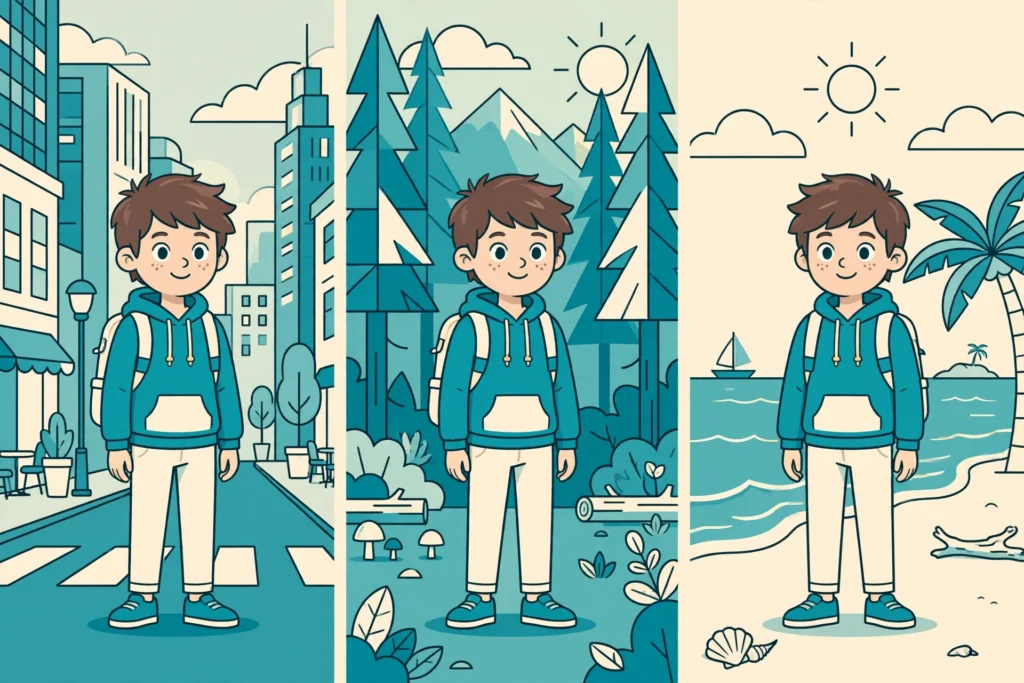
AI character consistency is the skill of keeping the same face, hair, and outfit on a character in every shot of an AI video. You generate the perfect character in shot one; same prompt in shot two, and suddenly she has a different face and a different jacket. By shot four, she is a stranger.
Here is why it happens: every AI video generation starts from scratch. The model has no memory of your character from one prompt to the next, so it reinterprets your description slightly differently every time. The fix is to stop relying on words alone. Give the model a reference image to anchor to, keep your identity description identical across every shot, and chain frames from clip to clip. This guide shows you exactly how to achieve reliable AI character consistency from the first shot to the last.
Why AI Character Consistency Keeps Breaking
Text-to-video models build each clip from three inputs: your text prompt, any reference images, and the motion context. When any of these shift, the character drifts. The most common cause is also the simplest: you described the character once in words, and the model guessed a slightly different face each time.
Vague descriptions make it worse. “A beautiful young woman” describes a vibe, not a person, so the model drifts toward a generic average. A locked description with concrete traits (“shoulder-length red hair, light freckles, blue denim jacket”) gives the model far less room to wander — and that discipline is the foundation of AI character consistency.
Set Realistic Expectations: What “Consistent” Actually Means


No current AI video tool locks identity perfectly. Reference images reduce guesswork, but neither a repeated prompt nor a fixed seed guarantees continuity across clips. They reconstruct the character anew each time instead of carrying a fixed identity model the way traditional animation does.
So the realistic goal is perceptual continuity: a viewer immediately recognizes the same person in every shot. The face shape, hair, and signature clothing stay stable even if lighting or expression changes slightly. If someone watching can clearly identify the same character throughout, you have succeeded. Small variations are normal.
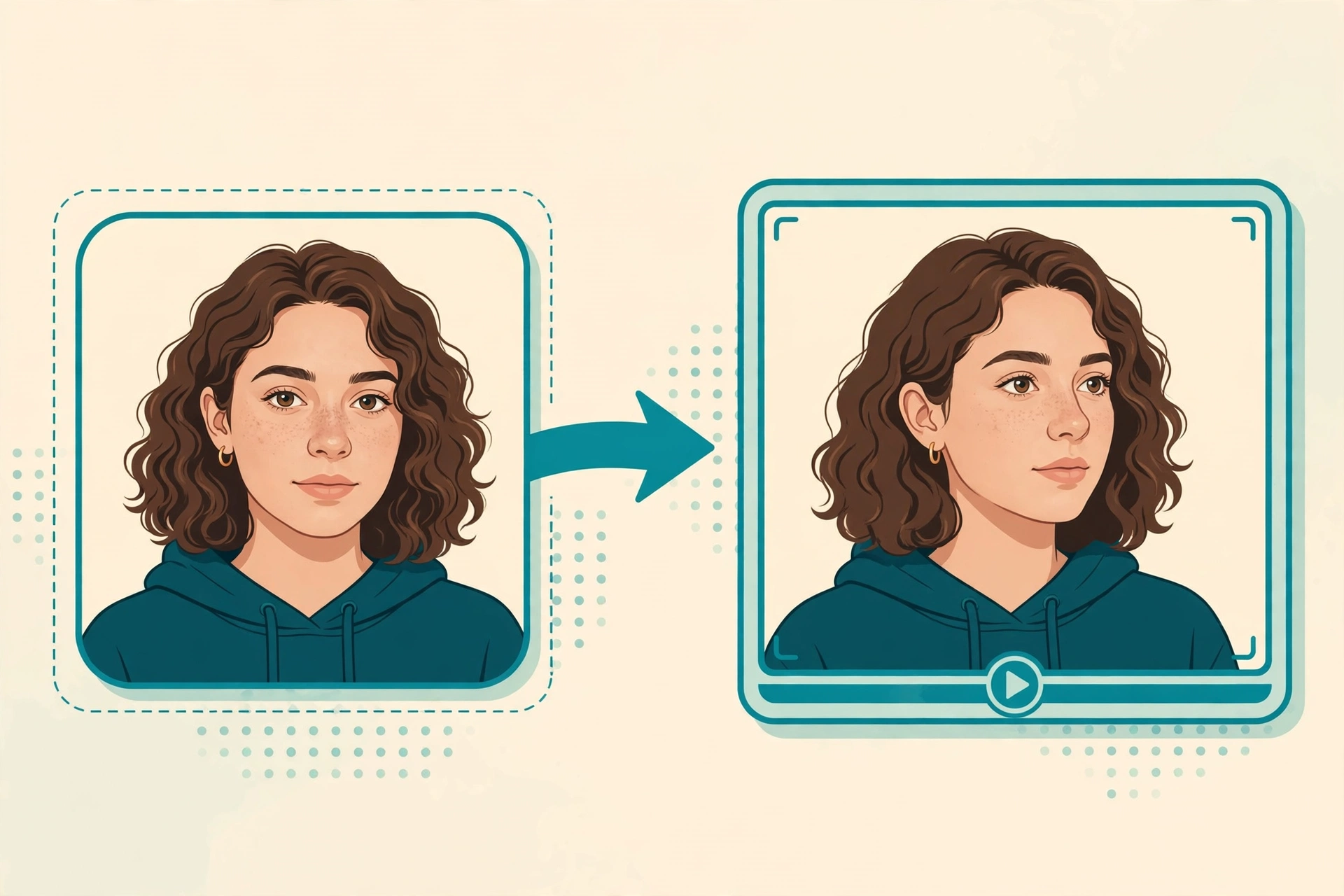
Method 1: Lock AI Character Consistency with a Reference Image
This is the single highest-impact technique. Most modern video generators, including Runway, Kling, Pika, Luma, and PixVerse, let you upload a reference image before generating a clip. The model uses it as a visual anchor for the character’s face, body, and outfit.
What makes a good reference image:
- Front-facing and well lit. The face should be clearly visible, evenly lit, with no heavy shadows or extreme angles.
- Neutral expression. A calm, neutral face gives the model the cleanest read of the underlying structure.
- Show the signature look. If the character always wears a red jacket or glasses, the reference should include them.
- High resolution. More detail in the reference means more detail preserved in the clip.
For a single short clip, one strong portrait is often enough. The character consistency workflow that works best for creators is: generate one excellent hero reference image first, then reuse that exact image, not just the text description, as the anchor for every shot after it. This one habit does more for AI character consistency than any prompt trick.
Runway’s Gen-4 model was built around exactly this idea. According to TechCrunch’s reporting on the launch, Gen-4 “can utilize visual references, combined with instructions, to create new images and videos utilizing consistent styles, subjects, locations, and more, all without the need for fine-tuning or additional training,” and lets users “generate consistent characters across lighting conditions using a reference image of those characters.” For the full story, read TechCrunch’s breakdown of Runway’s reference-image consistency in Gen-4.
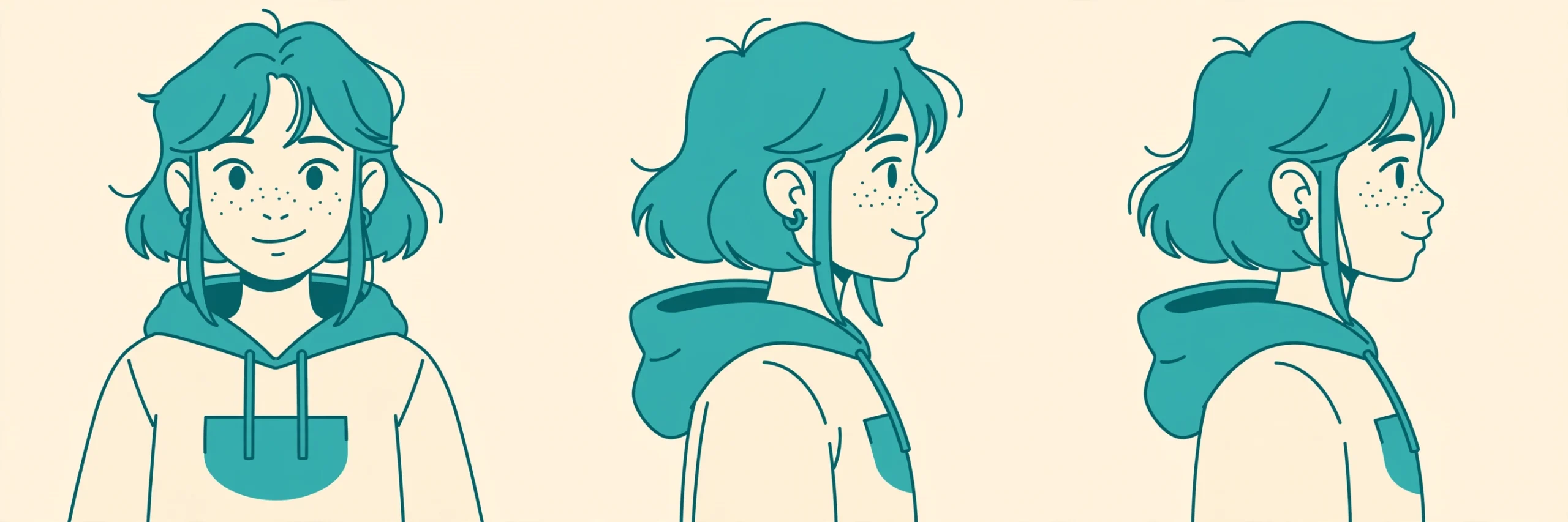
Method 2: Build a Character Sheet for AI Character Consistency


When one portrait is not enough, for example the character turns their head, speaks, or appears across many scenes, build a small character sheet: 2 to 4 images of the same character from different angles. A typical set is a front-facing portrait, a three-quarter view, and a side profile. Some creators add an expression variant too.
The most reliable pipeline, recommended by multiple working creators, is to solve identity at the image stage first:
- Generate the character sheet with an image model that supports character references, so the face, hair, and outfit stay stable across the stills.
- Use those stills as the starting frames for image-to-video generation, one clip per shot.
- Animate each still with motion-only instructions (more on prompting below).
Trying to hold a character through pure text-to-video prompts is where most drift happens. Locking the look in still images first, then animating, removes most of the guesswork — which is why so many creators treat character sheets as the backbone of AI character consistency. A bulk AI image generator is handy here for producing a full set of matching character stills in one run.
Method 3: Keep Your Prompt Description Identical
Even with reference images, your prompt wording matters. If the description changes between clips, many models reinterpret the identity. The rule: write the identity block once, then copy it byte-for-byte into every prompt. Only the scene portion changes.
A stable pattern looks like this:
Identity (never changes): “A young woman with shoulder-length black hair, soft round face, light freckles, wearing a red denim jacket”
Scene (changes per shot): “walking through a night market, cinematic lighting, medium shot”
Next shot, keep the identity line identical and swap only the scene: “…sitting at a cafe table, warm afternoon lighting.” Paraphrasing the identity (“a girl with dark hair in a red jacket”) is enough to trigger drift in some models.
Two extra prompt habits help:
- Describe motion only in image-to-video. When animating a still, do not redescribe the character. Write “animate the provided image: slow push-in as she looks up” and let the reference carry the identity.
- Add a short exclusion line. A single “No outfit changes, no face changes, no extra people” line removes common failure modes. Keep it short and plausible for the shot.
For more on writing prompts that models actually follow, see our guide to writing AI prompts that actually work.

Method 4: Chain Frames Between Clips for Character Consistency
For multi-shot sequences, the most stable technique is frame chaining:
- Generate clip one using your reference image and locked prompt.
- Export a clean frame from that clip where the face is clearly visible.
- Use that exported frame as the reference image for clip two.
- Repeat for every subsequent shot.
Because each new clip starts from the actual previous output rather than the original portrait, small identity shifts compound far less. When a scene cut is unavoidable, starting the new clip from the last good frame of the old one is what prevents the classic “identity reset” problem — and that continuity is the core of AI character consistency across longer videos.
Method 5: Control Motion, Lighting, and Clip Length
Even strong references break down under extreme conditions. Three controls keep them working:
- Gentle motion. Large camera moves, fast spins, and sudden rotations force the model to rebuild the face from new angles, which is where distortion creeps in. Introduce dramatic motion gradually across clips instead of all at once.
- Stable lighting. Lighting changes how a face reads. A character built in soft daylight can look like a different person under harsh neon. Keep color temperature and lighting direction similar across shots, and change environments gradually rather than jumping from bright outdoors to dark interiors in one cut.
- Short clips. Shorter generations hold identity more reliably. Plan a longer video as several short clips stitched together in an editor rather than one long generation.
Tool-by-Tool: Character Consistency Features in 2026
Feature availability changes fast, so treat this as a verified snapshot, not a permanent spec. Always check your tool’s current docs.
- Runway (Gen-4 / Gen-4.5): Character References let you upload image or short video-clip references to lock a subject’s face, body, and outfit per generation. Third-party tests describe roughly a 10-shot consistency window when references are reapplied. (Verified via TechCrunch reporting on the Gen-4 launch.)
- Kling: Kling’s Element system (also called Element Reference) is its official consistency mechanism: upload reference images of a subject, save them as a named Element, and invoke them across generations. Third-party technical docs describe multi-image references and @-style invocation in newer versions. (Reported in third-party developer documentation; confirm in Kling’s current UI.)
- Most other modern tools (Pika, Luma, PixVerse, Seedance, Hailuo): all now ship some form of reference-image or reference-to-video mode. The exact names and limits differ, but the AI character consistency workflow in this guide — one hero reference, locked prompt block, frame chaining — applies to all of them.
- Sora: OpenAI shut the Sora app and web experience in April 2026 and discontinued the API in September 2026. Treat older Sora tutorials as historical.
If you are still choosing a tool, our roundup of the best free AI video generators and the broader free AI video generator guide will help you pick one with reference support.
What Still Doesn’t Work (Honest Limits)
- Perfect identity lock does not exist yet. References dramatically reduce drift but do not eliminate it. Plan a quick review pass on every clip.
- Fixed seeds do not guarantee continuity. Reusing a seed helps reproducibility within one tool, but it is not an identity lock across shots.
- Multi-character scenes are harder. Two faces in one frame means twice the detail for the model to resolve. Give each character their own reference sheet and keep compositions simple.
- Extreme angles and occlusion break references. A character turning fully away or half-hidden behind objects gives the model little to anchor to. Favor three-quarter views and clear sightlines.
- Style changes mid-sequence reset identity. Switching from photoreal to anime halfway through is effectively a new character. Lock the visual style in the reference stage.
Every generation is independent by default. The model has no memory of your character from one prompt to the next, so unless you deliberately anchor each new shot to a reference image, it reinterprets your description slightly differently each time. Upload one hero reference image and reuse it for every shot.
The Bottom Line on AI Character Consistency
AI character consistency comes down to four habits: one hero reference image reused everywhere, an identity description copied verbatim into every prompt, frame chaining between clips, and gentle motion with stable lighting. No tool does it for you automatically yet, but with this workflow viewers will recognize your character in every shot. Need help writing the prompts? Shaheer GPT can draft locked identity blocks for your characters in seconds.