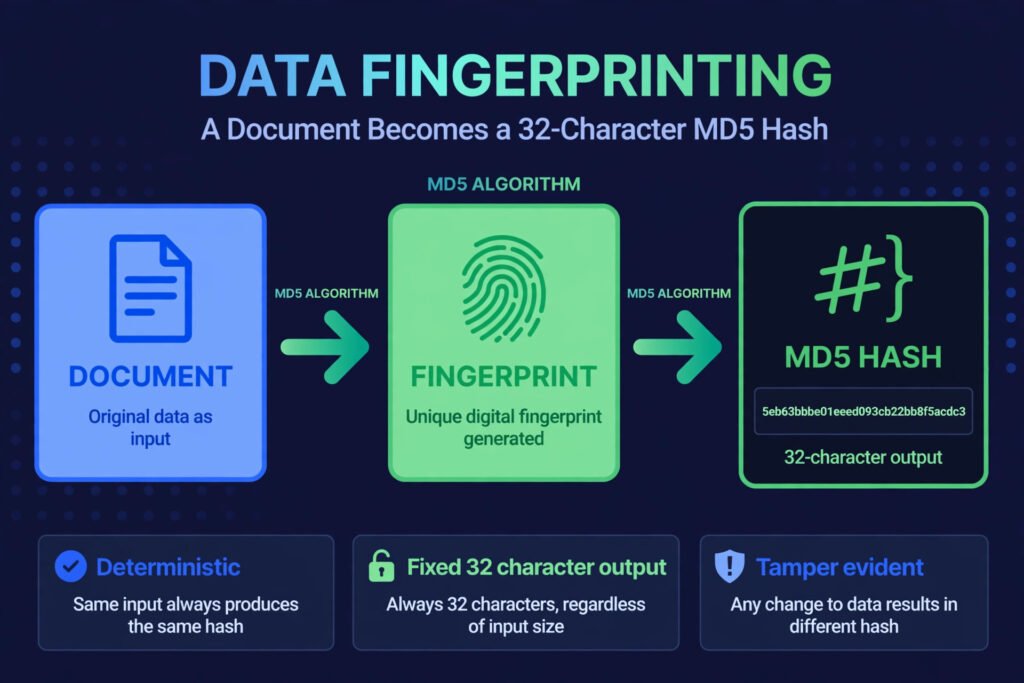
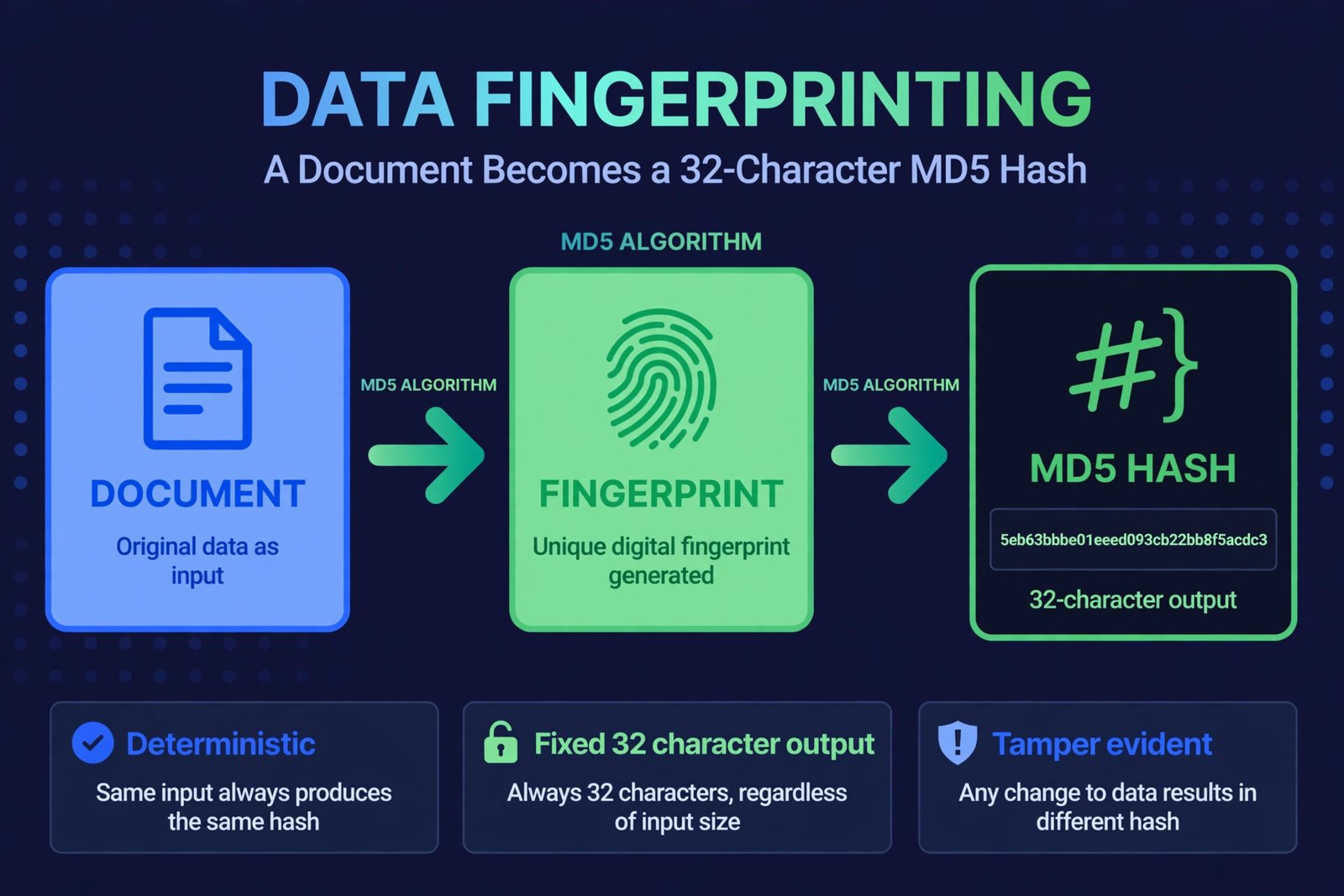
Short answer: An MD5 checksum is a 128-bit fingerprint of a file or text — a fixed 32-character code like 5eb63bbbe01eeed093cb22bb8f5acdc3 that changes completely if even one byte of the input changes. Developers use MD5 checksums to verify downloads, detect corruption, and compare files. You can generate one free in seconds with an online MD5 hash generator: paste your text, pick MD5, and click Generate.
If you’ve ever downloaded software and seen a string of letters and numbers labeled “MD5” next to the download link, this guide explains what it is, how to generate one, and how to use it to verify your files.
What Is an MD5 Checksum, Exactly?
MD5 (Message-Digest Algorithm 5) is a hash function: it takes any input — a sentence, a photo, a 4 GB installer — and produces a fixed-length 32-character hexadecimal fingerprint:
Input:  hello world
MD5:    5eb63bbbe01eeed093cb22bb8f5acdc3
Three properties make checksums useful:
- Deterministic: the same input always produces the same MD5.
- Avalanche effect: changing one character produces a wildly different hash.
- Fixed length: whether the input is 5 characters or 5 gigabytes, the MD5 is always 32 hex characters.
Think of it as a fingerprint for data: you can’t reconstruct the person from the fingerprint, but you can tell instantly whether two people match.
What Does an MD5 Checksum Look Like?


Always 32 characters, using digits 0–9 and letters a–f:
| Input | MD5 checksum |
|---|---|
hello world | 5eb63bbbe01eeed093cb22bb8f5acdc3 |
password123 | 482c811da5d5b4bc6d497ffa98491e38 |
| (empty string) | d41d8cd98f00b204e9800998ecf8427e |
Case matters: some systems expect uppercase (5EB63BBB...), most use lowercase. A good generator lets you toggle.
How to Generate an MD5 Checksum: Step by Step
- Open the free hash generator — no signup, runs entirely in your browser.
- Type or paste your text into the input box (any length works).
- Choose MD5 as the algorithm (SHA-1, SHA-256, and SHA-512 are also available).
- Pick letter case — lowercase is the common convention.
- Click “Generate hash” and copy the hexadecimal digest.
Everything is computed locally — the text you hash is never sent to any server, which matters when fingerprinting anything confidential.
How to Verify a Download With Its MD5 Checksum


This is the #1 real-world use. Software distributors publish the MD5 of their installer so you can confirm your download wasn’t corrupted (or tampered with):
- Find the published checksum on the official download page.
- Generate the MD5 of your downloaded file. On Linux/macOS, run
md5sum filenamein the terminal. On Windows, usecertutil -hashfile filename MD5in Command Prompt. (For short text snippets, paste them into the online generator instead.) - Compare the two strings character by character. If they match exactly, your file is intact. If even one character differs, the download is corrupted or compromised — delete it and re-download from the official source.
MD5 vs SHA-1 vs SHA-256: Which Should You Use?
| Algorithm | Digest length | Speed | Security | Use it for |
|---|---|---|---|---|
| MD5 | 128-bit (32 chars) | Fastest | Broken for security (collisions) | Checksums, file integrity, non-security IDs |
| SHA-1 | 160-bit (40 chars) | Fast | Broken for security | Legacy systems only |
| SHA-256 | 256-bit (64 chars) | Fast | Secure | Passwords (with salt), certificates, blockchain |
| SHA-512 | 512-bit (128 chars) | Slightly slower | Secure | High-security hashing |
The rule: MD5 is fine for verifying file integrity and generating non-security identifiers. It is not safe for passwords, digital signatures, or anything adversarial — researchers can craft two different files with the same MD5 (a “collision”). For security, use SHA-256.
Common Uses of MD5 Checksums
- Verifying downloads: matching an installer against its published checksum.
- Detecting corruption: re-hashing a backup to confirm it still matches the original.
- Deduplication: finding identical files by comparing hashes instead of contents.
- Cache keys and IDs: generating deterministic identifiers from content.
- Forensics: proving a file hasn’t changed since it was captured.
Mistakes to Avoid
- Using MD5 for passwords. It’s too fast (brute-forceable) and collision-broken. Use bcrypt/Argon2 or at minimum salted SHA-256.
- Eyeballing instead of comparing. Humans are terrible at spotting one changed character in 32 — paste both into a text compare or use
diff. - Trusting a checksum from the same compromised source. If the download server was hacked, the attacker can replace the checksum too. Get it from a separate trusted channel when security matters.
- Hashing the wrong thing. Make sure you’re hashing the exact file bytes (not a renamed copy or a different version).
Frequently Asked Questions
An MD5 checksum is a 32-character fingerprint used to verify file integrity, detect corruption, compare files, and generate deterministic IDs. It’s fast and ubiquitous for non-security checks.
Paste your text into a free online MD5 generator, select the MD5 algorithm, and click Generate. For files, use md5sum on Linux/macOS or certutil -hashfile on Windows.
Generate the MD5 of your downloaded file and compare it character-by-character against the checksum published by the distributor. An exact match means the file is intact.
No — MD5 is broken for security purposes because attackers can create collisions (two different files with the same hash). Use SHA-256 for passwords, signatures, or anything adversarial. MD5 remains fine for simple integrity checks.
MD5 produces a 32-character hash and is fast but cryptographically broken; SHA-256 produces a 64-character hash and remains secure. Use MD5 for checksums, SHA-256 for security.
In theory yes — researchers have demonstrated MD5 collisions. In practice, accidental collisions are essentially impossible; only deliberate attacks produce them.
Related guides
- Generate MD5, SHA-1, SHA-256, and SHA-512 hashes free with the online MD5 hash generator — browser-local and private.
- How to decode Base64 online free — our guide to encoding and decoding Base64 strings instantly with a free browser-based tool.
- Free UUID generator (v4) — create random unique identifiers online with no signup.