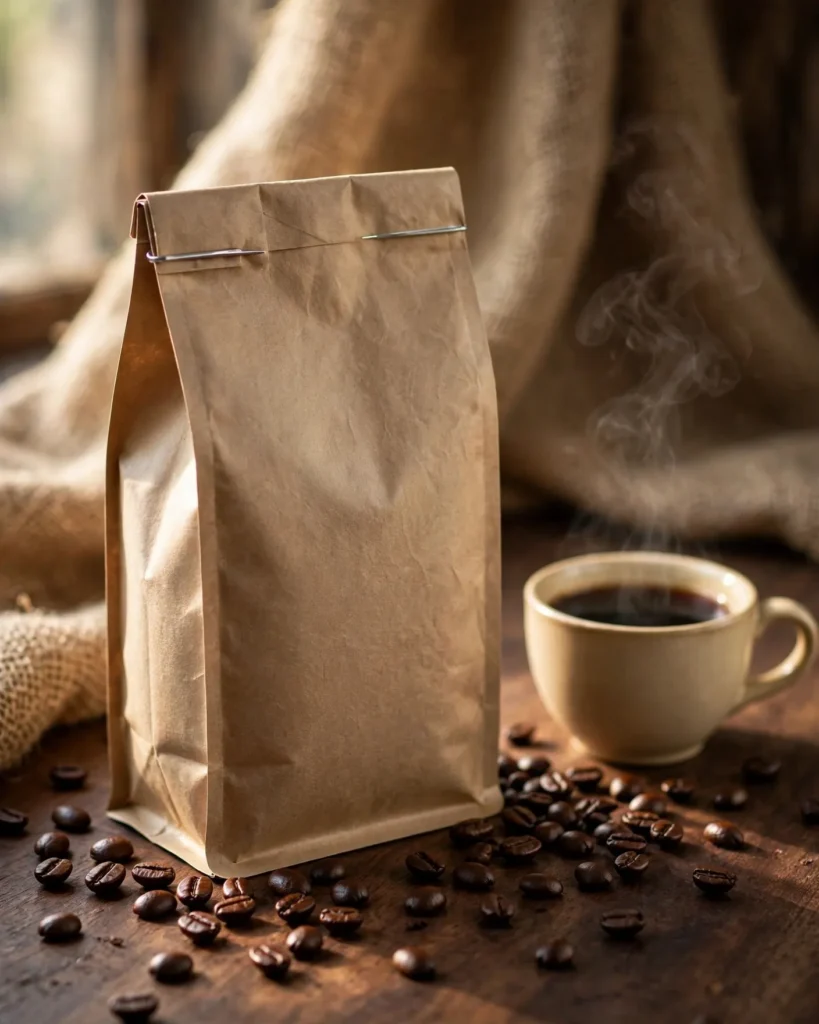
Looking for a copy-paste ready AI image prompt? Below is a complete, hand-crafted prompt for Coffee Bag Mockup Prompt: Kraft Packaging with Roasted Beans, tuned for Stable Diffusion XL. Just copy the prompt, paste it into Stable Diffusion XL, and generate.
The Prompt
Warm rustic product photograph of an unbranded matte kraft-paper coffee bag with a simple tin tie top, standing on a dark walnut wood table scattered with glossy roasted coffee beans. A small ceramic cup of black coffee with gentle steam sits beside it, burlap fabric draped in the background, soft window light from the side creating rich texture. Shot with a 50mm lens look, shallow depth of field, earthy palette of kraft brown, deep coffee black and warm cream, detailed paper texture and bean shine, no logos or text on the bag, cozy artisanal atmosphere, three-quarter composition, ultra-detailed, 8k, sharp focus, specialty coffee branding photography, inviting and authentic mood.
Copy the prompt above and paste it directly into Stable Diffusion XL — no editing needed.
Recommended Settings

- Best tool: Stable Diffusion XL
- Aspect ratio: 4:5
Negative Prompt
blurry, low quality, watermark, text, logo, brand name, distorted bag, deformed cup, flat lighting, cartoon
Add the negative prompt above in Stable Diffusion XL’s negative prompt field to avoid common artifacts.
How to Use This Prompt
- Copy — select the prompt text above and copy it.
- Paste into Stable Diffusion XL — open Stable Diffusion XL and paste the prompt into the prompt box.
- Set 4:5 — choose the 4:5 aspect ratio before generating.
- Generate and refine — run 2–3 variations and keep the best one.