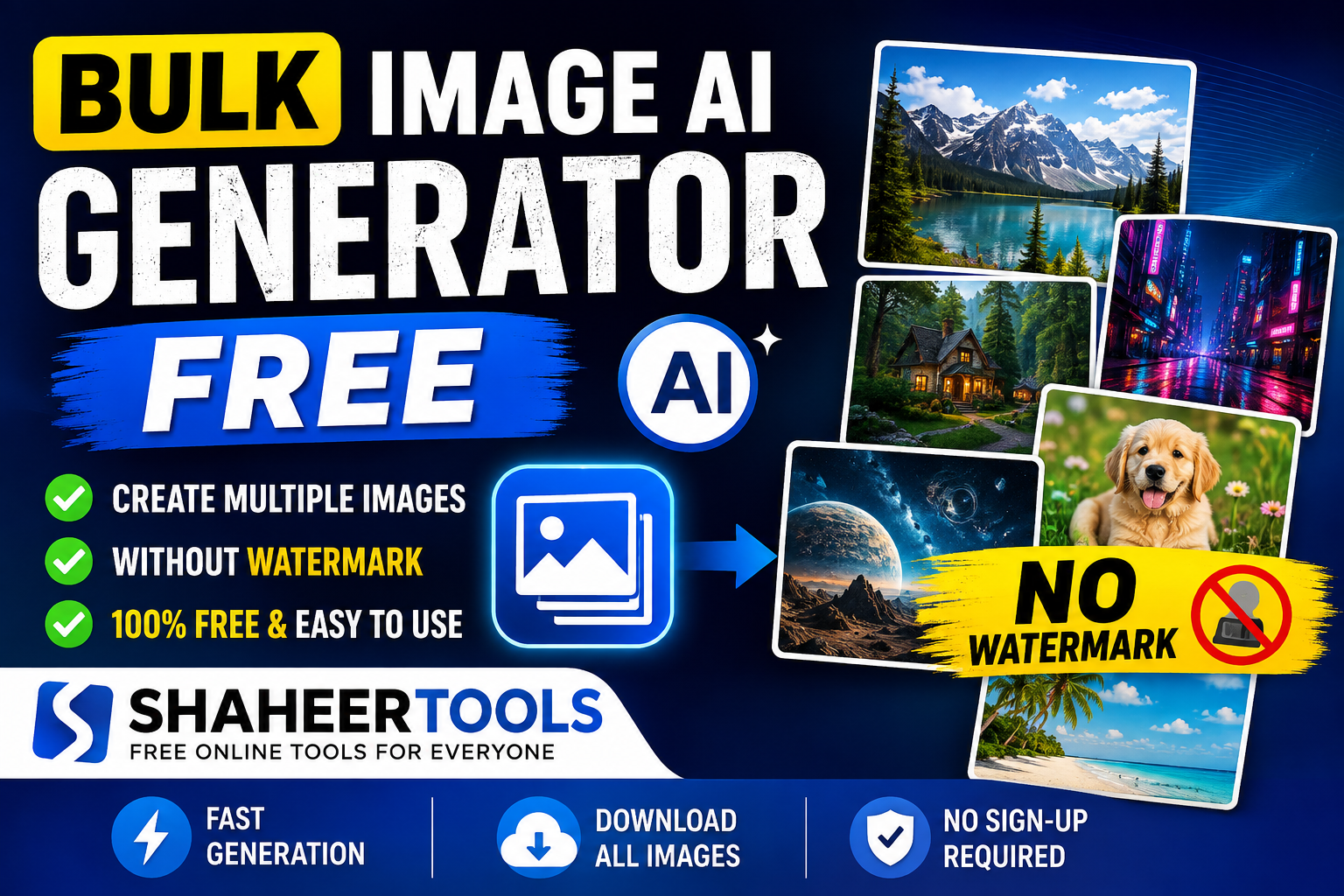
Bulk Image AI Generator Free: How ShaheerTools Lets You Create Multiple Images Without a Watermark
Most AI image tools make you generate, download, and repeat — one picture at a time. Here’s how a free bulk generator removes that bottleneck, and what ShaheerTools actually offers.
If you’ve ever needed more than one AI-generated image at a time, you already know the problem: most tools make you type a prompt, wait, download, and start over — one picture at a time. That’s fine for a single graphic. It’s painful when you need 20 blog headers, 50 product mockups, or a week’s worth of social media visuals.
That’s the gap a bulk AI image generator is built to close, and it’s why tools like ShaheerTools have become a go-to option for people who want to generate multiple images quickly, for free, and without a watermark stamped across the result.
This article explains what bulk image generation actually means, how ShaheerTools’ free tool works, and where it realistically fits into your workflow.
What Is a Bulk AI Image Generator?
A bulk image AI generator is a tool that turns several text prompts into several images in one pass, instead of forcing a single generate-download-repeat loop for every picture you need.
Instead of this:
- Type prompt → generate → download → repeat (x30)
You do this:
- Type 30 prompts (one per line) → generate once → download the whole batch
The underlying AI image generation technology isn’t different — it’s still a model turning text into pixels. What changes is the workflow around it. A bulk generator queues your prompts and processes them together, which matters a lot once your “one image” need turns into a “dozens of images” need, which happens more often than most people expect.
What Is ShaheerTools?
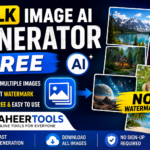
ShaheerTools is a website that offers a collection of free browser-based tools, including a Bulk AI Image Generator. The tool is built around a simple idea: let people generate a batch of AI images from a list of prompts without requiring an account, an API key, or payment details.
According to the tool’s own product page, images are produced using open AI image models (the site credits Pollinations.ai as the generation engine) and are delivered without a watermark. As with any AI-generated content, it’s worth doing your own check of current usage and licensing terms if you plan to use the images commercially — AI copyright rules are still evolving and vary by region.
How the ShaheerTools Bulk Image Generator Works
The basic flow is straightforward:
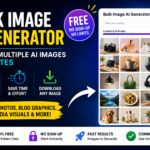
- Open the tool. You go directly to the Bulk AI Image Generator page — no login screen or account creation step.
- Enter your prompts. You type or paste one prompt per line. Each line becomes its own image.
- Generate the batch. The tool processes all prompts in one run instead of one at a time.
- Download your images. You can download images individually or use a “download all” option to save the full set at once.
Example of a Prompt Batch
If you were building visuals for a coffee brand’s social calendar, a batch might look like this:
Close-up of a latte with heart-shaped foam art, morning light, cozy cafe
Bag of coffee beans on a wooden table, minimal Scandinavian style
Barista pouring coffee into a to-go cup, warm tones, shallow depth of field
Flat lay of coffee, croissant, and notebook on a marble countertop
Four prompts in, four distinct images out — in one batch instead of four separate sessions.
Key Features Worth Knowing
- No sign-up required. You can generate images without creating an account or handing over an email address.
- No watermark on outputs. Downloaded images aren’t stamped with a logo or branding overlay.
- Multiple prompts per batch. You control how many images you generate by how many prompt lines you enter.
- Free to use. There’s no paywall or credit system blocking basic use of the tool.
- Browser-based. Everything runs on the website itself — no software to install.
Benefits of Using a Bulk Image Generator
Speed. Generating ten images one-by-one across separate sessions can easily eat 20–30 minutes with all the waiting and downloading involved. Batching that into one submission removes most of the dead time.
Consistency of effort. When you write all your prompts up front, you tend to think through your visual set as a whole — style, mood, subject variety — rather than improvising prompt-by-prompt.
No recurring cost. For people who need images occasionally rather than constantly, paying for a subscription-based image generator often isn’t worth it. A free tool like this fits an occasional or moderate workload well.
No extra editing step. Because there’s no watermark to crop out or clone-stamp away, images are usable as soon as they’re downloaded.
Practical Use Cases
- Bloggers and content sites: Generate a month’s worth of custom featured images instead of reusing the same stock photos everyone else is using.
- Social media managers: Fill out a content calendar with visuals for Instagram, Pinterest, or LinkedIn in a single sitting instead of piecing it together post by post.
- Small e-commerce sellers: Create background or lifestyle-style product imagery for a product line without booking a photoshoot.
- Students and hobby creators: Rapidly explore visual ideas for a project, mood board, or presentation.
- Freelancers and marketers: Produce first-draft visual concepts for a client pitch before committing budget to a professional shoot.
None of this replaces professional photography or custom design work for high-stakes brand assets — but for volume-driven, lower-stakes visual needs, it removes a real bottleneck.
A Few Honest Limitations
To keep this balanced: free AI image generators, ShaheerTools included, are generally built on open or community AI models rather than the largest commercial models. That means:
- Results can vary in consistency between prompts in the same batch.
- Very specific or technical prompts (exact text in an image, precise brand colors, complex hands/poses) may need a few attempts.
- Since there’s no account system, there’s typically no saved history — download what you want to keep before closing the tab.
None of this makes the tool less useful for its core purpose; it’s just worth knowing going in.
Tips for Better Bulk Results
- Be specific per line. “A dog” produces something generic. “A golden retriever puppy running on a beach at sunset, shallow depth of field” gives the model something to work with.
- Keep a consistent style note in each prompt (e.g., “minimalist,” “photorealistic,” “flat illustration”) if you want the batch to feel visually cohesive.
- Batch by theme. Grouping prompts around one project (e.g., all product shots, or all blog headers) tends to produce a more usable, matched set than mixing unrelated ideas in one run.
FAQ
- Is ShaheerTools’ bulk image generator really free?
- Yes — based on the tool’s own description, there’s no payment required and no credit system gating basic use.
- Do I need to create an account?
- No. You can go straight to the tool and start generating without signing up or logging in.
- Are the images watermark-free?
- Yes, according to the tool’s documentation, downloaded images don’t include a watermark.
- How many images can I generate in one batch?
- You control this by how many prompt lines you submit — each line generates its own image, processed together rather than one at a time.
- Can I use the images commercially?
- Generally, AI-generated images can be used for personal and commercial purposes, but copyright and licensing rules around AI content are still evolving and differ by country. It’s worth checking current guidance for your specific situation before using generated images in commercial work.
- How is this different from a regular free AI image generator?
- A standard free AI image generator processes one prompt at a time. A bulk version like this one accepts a list of prompts and returns a full set of images from a single submission, which is the main advantage when you need volume rather than a single graphic.
Final Thoughts
The appeal of a bulk AI image generator isn’t that it produces better images than a single-prompt tool — it’s that it removes the repetition when your real need is quantity: a batch of blog graphics, a week of social posts, or a set of product visuals. ShaheerTools’ free, no-account, no-watermark approach makes it a practical option specifically for that use case — quick, low-stakes, volume image generation, without adding a subscription or an editing step to your workflow.